
A customer realizes seconds after checkout that they selected the wrong size. They open the confirmation email, look for an edit button, and find only a support address. Your team now has to catch the message before the warehouse starts picking, correct the order, reconcile any price difference, and reassure the customer.
Whether that becomes a quick self-service fix or a support ticket, refund, and lost sale depends on the order management software behind your store. The important distinction isn't how many features an app advertises. It's who can change an order, when those changes stop, and whether your fulfillment and payment systems receive the same instructions.
For Shopify merchants, that means comparing specialist editing apps against Shopify's native administration tools, not assuming every option replaces a full warehouse or enterprise order management system. These tools solve different parts of the post-checkout workflow.
Buying principle: A customer-facing edit button is useful only if the warehouse, payment record, and original order stay aligned.
The shortlist below focuses on editing windows, fulfillment coordination, cancellation handling, and payment reconciliation. Treat revenue and support claims separately: accepted add-ons aren't the same as prevented cancellations, and estimated tickets avoided aren't measured savings. Establishing KPIs for automated CX workflows helps you judge whether customers finish their requests rather than enter another automated journey.
Table of Contents
- 1. Mayra ‑ Order Edit & Cancel
- 2. OrderEditing.com
- 3. Cleverific Order Edit & Upsell
- 4. AE Order Editing & Upsell
- 5. Relocate+ Order Editing
- 6. Orderify Order Edit Cancel
- 7. Editly Order Editing
- 8. EditMyOrder
- 9. EditsYard Order Edit & Upsell
- 10. Shopify's Built-in Order Management
- 10 order management software options compared
- How to Choose and Roll Out Your Pick
1. Mayra ‑ Order Edit & Cancel
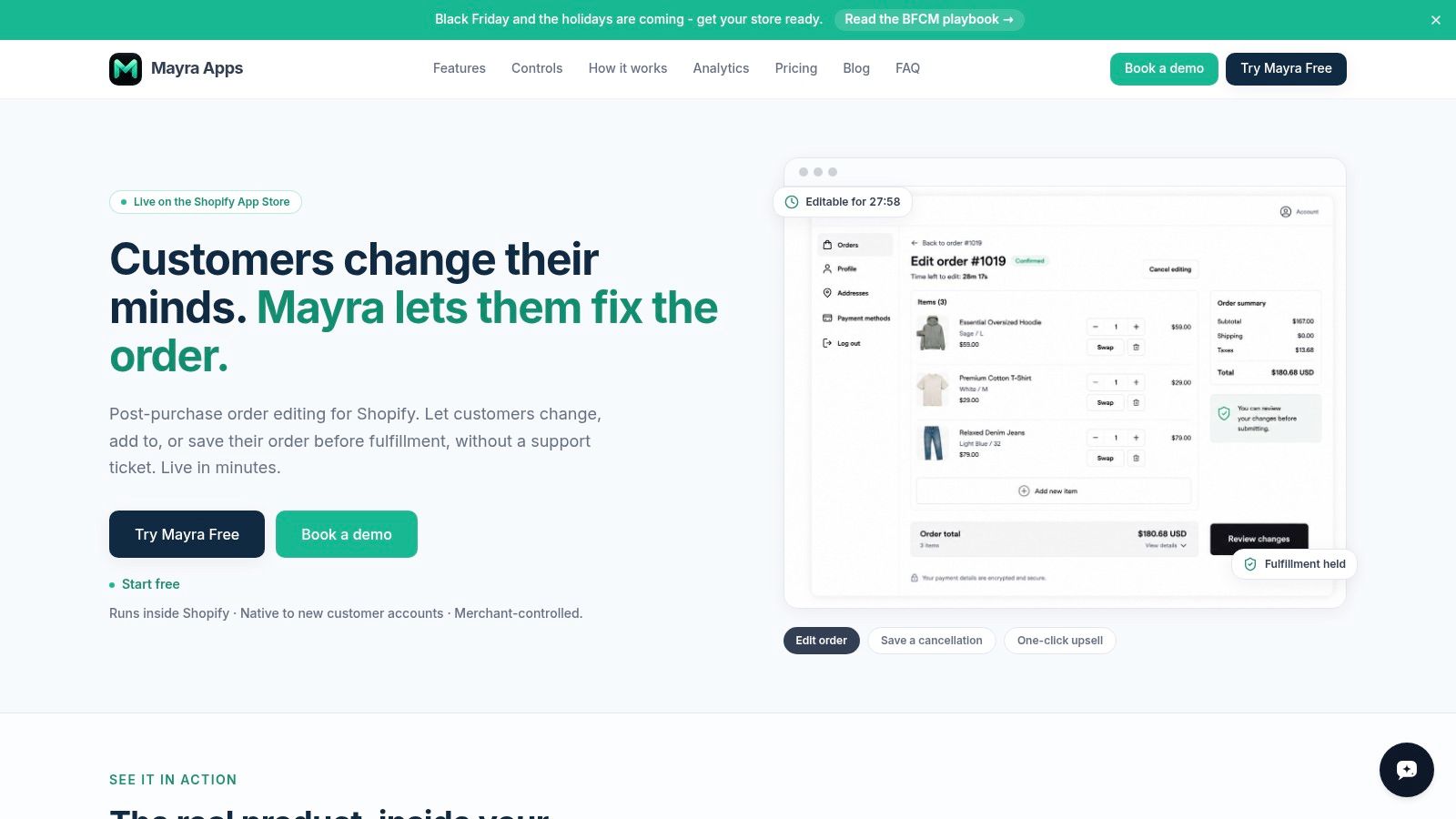
Best for Shopify merchants who want customer-managed corrections without replacing the original order. Mayra runs inside Shopify's new customer accounts and on the order status page, so it works without touching theme code. Customers can change quantities, swap variants, correct the shipping address, add or remove items, and cancel eligible orders.
They see an edit countdown and the price difference before confirming. Every committed change writes to the original order, which stays the source of truth, so staff never reconcile a replacement against an abandoned original.
Where the controls matter
The edit window is the first real decision: 15 minutes, 30 minutes, 1, 2, 6, 12, or 24 hours, or until the order ships. A longer window catches more mistakes but keeps more orders on hold, since fulfillment stays paused while a customer is editing.
You also decide permitted actions and approval rules. Small changes can auto-approve, and refunds above a set threshold route to the team. Extra charges are invoiced to the customer, refunds follow your settings, and Shopify recalculates taxes and totals.
- Cancellation alternatives: collect reasons and offer configurable store credit, with full cancellation kept as a fallback.
- Relevant additions: recommendations drawn from best sellers, products related to the order, chosen collections, or a manual list appear during editing and on the order status page; accepted items join the same order and settle through Shopify.
- Operational visibility: every action writes to the Shopify order timeline via order tags, and reporting covers orders edited, revenue recovered, and orders saved.
The limits matter as much as the controls. Customers cannot edit fulfilled, cancelled, or archived orders, and your eligibility rules decide what stays editable before that point.
Setup is two steps: configure editing in Mayra > Settings, then add the Mayra block under Settings > Checkout > Customize. Tickets avoided are estimates, and calculator projections depend on assumptions you enter.
2. OrderEditing.com
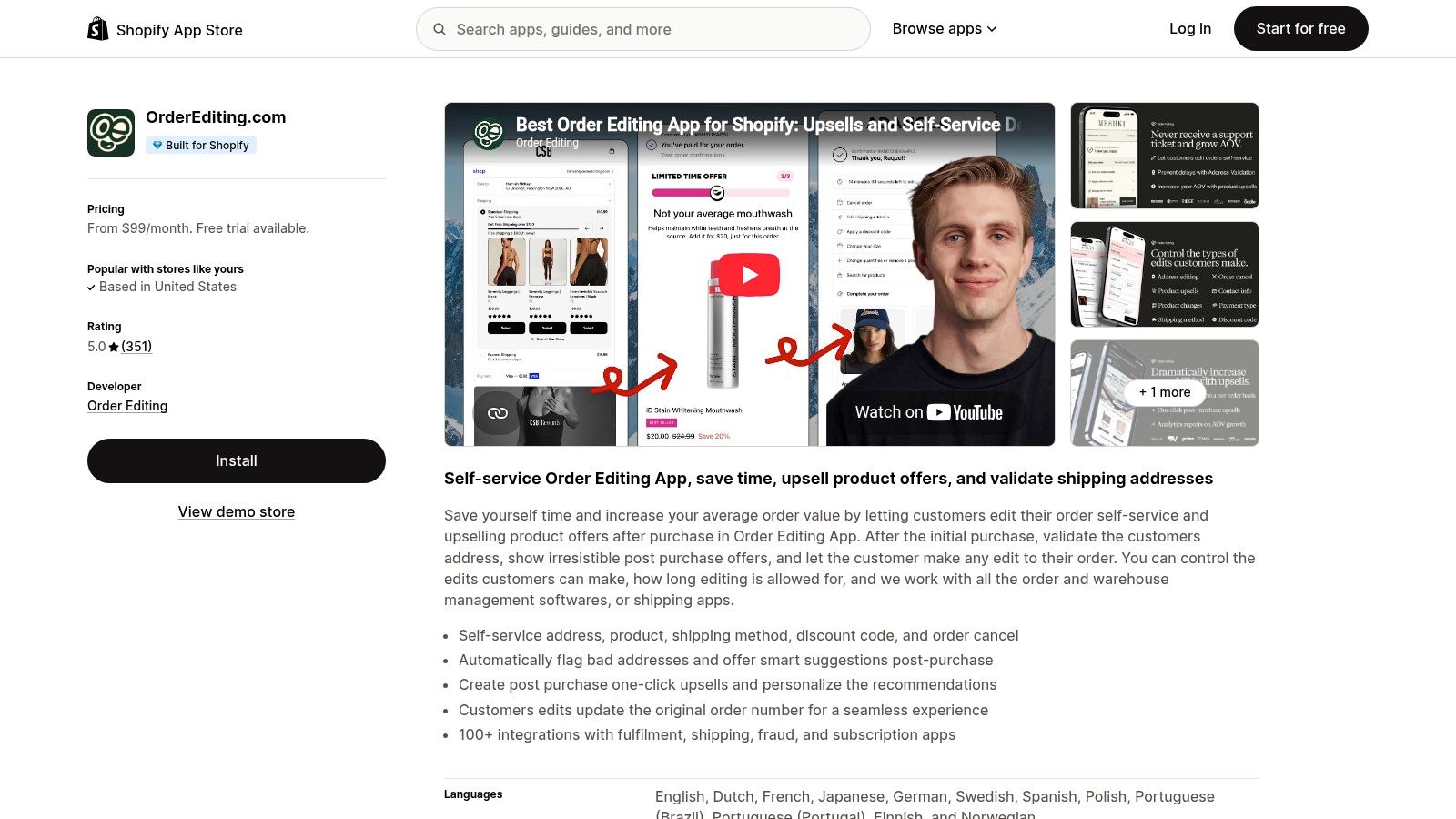
OrderEditing.com combines customer self-service changes with post-purchase offers. It's worth assessing when your support team handles routine corrections and your merchandising team also wants customers to add products after checkout.
Customers can correct addresses and change order details within merchant-defined rules and editing windows. Address validation, Shopify Flow integration, and connections with order and warehouse management tools make the operational handoff especially relevant.
Don't approve an editing app solely because an upsell looks good. Ask what happens when the added product changes warehouse allocation or requires another payment.
The advantage is a combined editing-and-selling workflow. The trade-off is that a higher starting-price position needs justification from your own order activity, not projected add-on revenue alone. Check current charges in the listing rather than budgeting from an old comparison.
During evaluation, test an address correction, a variant replacement, and an accepted product offer. Confirm that each change reaches fulfillment before picking begins and that an incomplete payment doesn't leave staff guessing which version to ship.
Use the comparison of Shopify order editing apps to narrow alternatives, then compare their behavior against the same test orders. Merchant reviews can help identify questions about support and integrations, but they don't establish that your warehouse connector will behave identically.
3. Cleverific Order Edit & Upsell
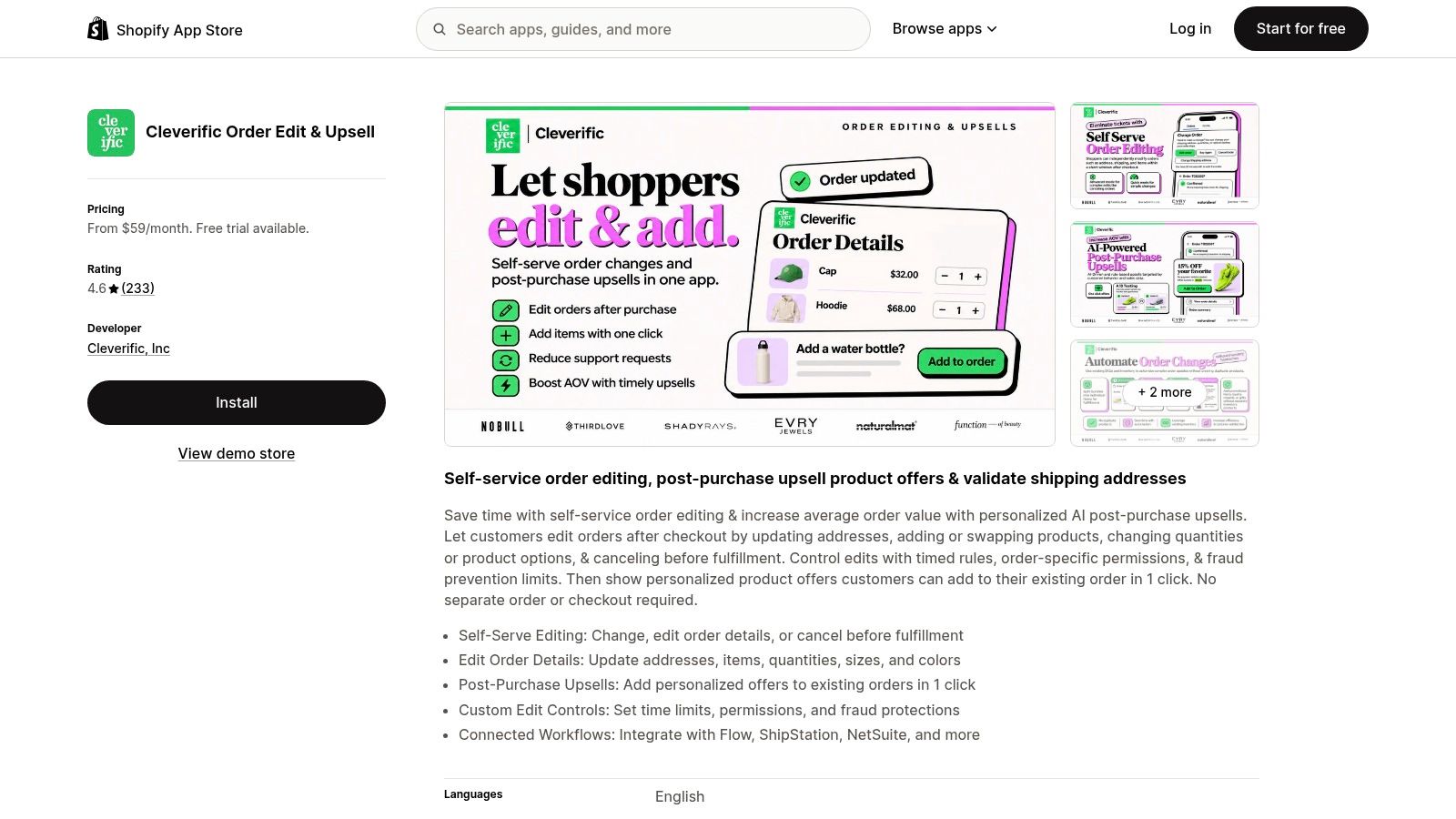
Some corrections belong with the customer. Others need an operator who understands discounts, fulfillment exceptions, or an unusual product configuration. Cleverific Order Edit & Upsell supports both customer self-service and staff-side editing, making it relevant when those responsibilities overlap.
Its customer workflows cover address, quantity, and item changes, along with cancellation before fulfillment. Staff-side editing gives your team a separate route for requests that shouldn't pass through unrestricted self-service.
Assess the handoff, not just the editor
Cleverific includes timed rules, permissions, fraud-prevention controls, post-purchase offers, and integrations including Shopify Flow, ShipStation, and NetSuite. Those connections are useful evaluation points for an established operation, but a named integration isn't proof that every downstream exception is covered.
- Customer boundary: Confirm which edits customers can complete without staff intervention.
- Operator boundary: Identify who approves exceptions and where that approval appears.
- Fulfillment boundary: Test whether a changed item reaches the shipping or enterprise system before work begins.
The commercial trade-off is plan complexity. Pricing can rise with order volume and tier, and some plans may apply additional fees to upsell conversions, so evaluate the current terms against your expected usage.
I would shortlist Cleverific when staff still need meaningful editing capability alongside customer self-service. I wouldn't treat that flexibility as permission to leave policies undefined. A powerful editor still needs clear ownership of payment collection, refunds, and warehouse release.
4. AE Order Editing & Upsell
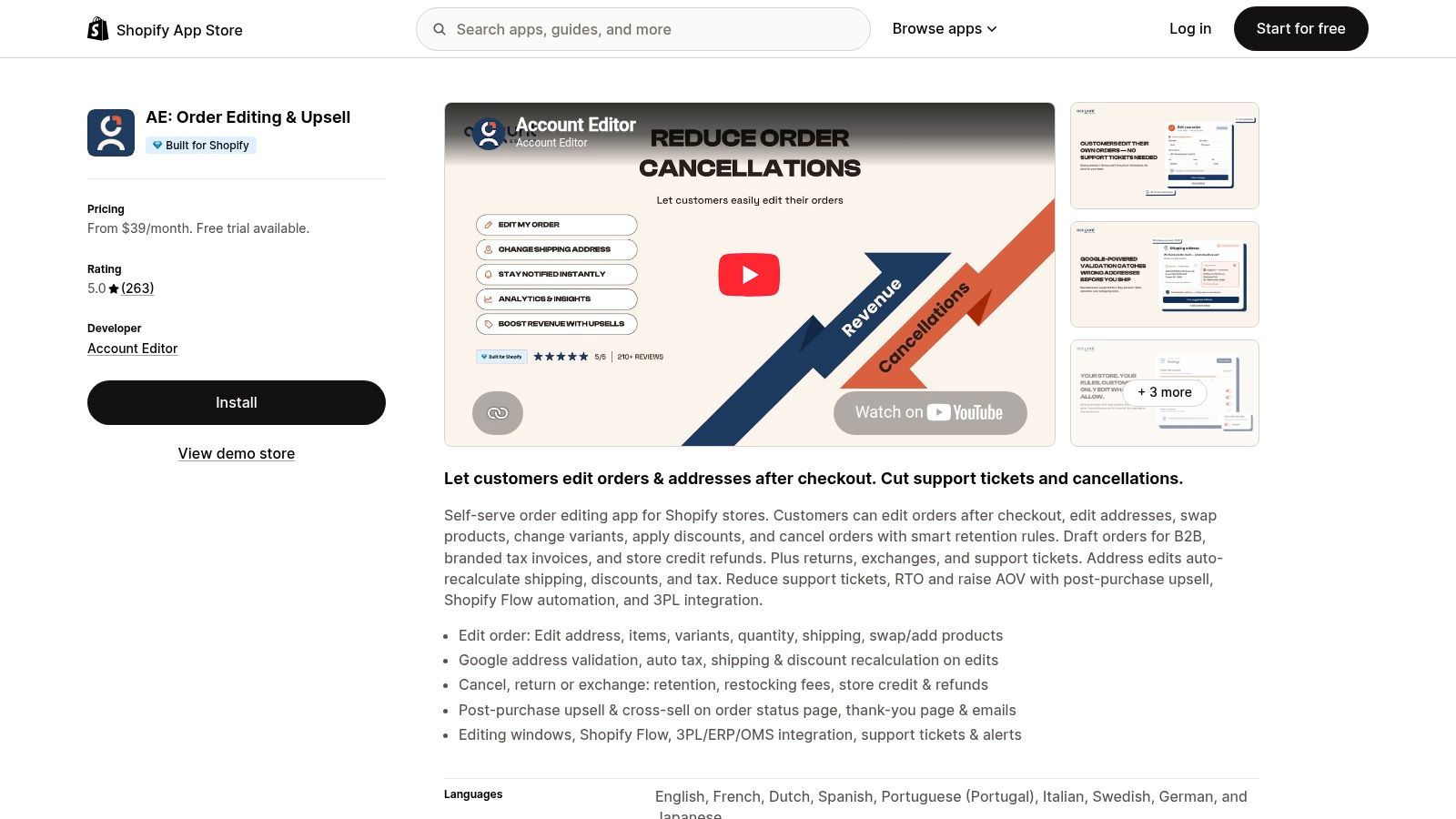
AE Order Editing & Upsell is the broader-workflow option: editing sits alongside cancellations, returns, exchanges, support tickets, and store-credit tools. That breadth may suit a team that wants to manage related post-purchase requests together rather than maintain separate processes.
Customers can change addresses, items, variants, and quantities. Address changes can recalculate shipping, discounts, and tax, which makes destination changes an important acceptance test rather than a cosmetic form update.
The case for intervening before dispatch is practical. The National Retail Federation's returns release projected online returns to equal 19.3% of ecommerce sales in 2025. Correcting a mistaken variant before shipping may prevent a return, but it shouldn't automatically be counted as incremental revenue.
Breadth brings configuration work
AE includes retention options, post-purchase offers, Shopify Flow automation, and integrations with fulfillment and enterprise systems. Assess how the workflows connect, especially when a customer starts with an edit but ends with a cancellation or exchange.
The benefit is shared coverage; the cost is policy complexity. Your team must distinguish pre-dispatch corrections from post-delivery remedies and make the next available action clear.
Before rollout, verify plan limits and compatibility with your configuration. Test discounted bundles and destination changes rather than only straightforward full-price orders, because those cases reveal whether totals and customer messages remain understandable.
5. Relocate+ Order Editing

An incorrect apartment number doesn't need a merchandising campaign. It needs a controlled correction before someone prints a label. Relocate+ Order Editing is worth assessing when shipping-detail fixes and practical pre-shipment changes dominate your support queue.
Its scope includes address and shipping-rate changes, product additions or modifications, cancellations, gift notes, and order notes. Some changes may require the customer to pay a price difference, so check how payment completion affects release to fulfillment.
- Focused starting point: Evaluate address correction separately from broader product editing.
- Order controls: Paid tiers provide timing and eligibility controls, with change logs available on higher tiers.
- Commercial boundary: The free plan is limited to a single editing type, according to the Shopify app listing's plan details.
Keep the shipping promise consistent
Say a customer changes their destination after choosing expedited shipping. Your test shouldn't end when the new address appears in Shopify; confirm that the selected shipping service is still appropriate and that any revised charge is resolved.
Relocate+ places less emphasis on recommendations and post-purchase upselling than some alternatives. That's not necessarily a weakness if your immediate problem is incorrect dispatch information.
The main decision is whether its focused correction workflow covers your actual requests. If customers frequently need complex bundle changes or cancellation-retention offers, assess those needs explicitly instead of assuming a shipping-focused editor handles them.
6. Orderify Order Edit Cancel
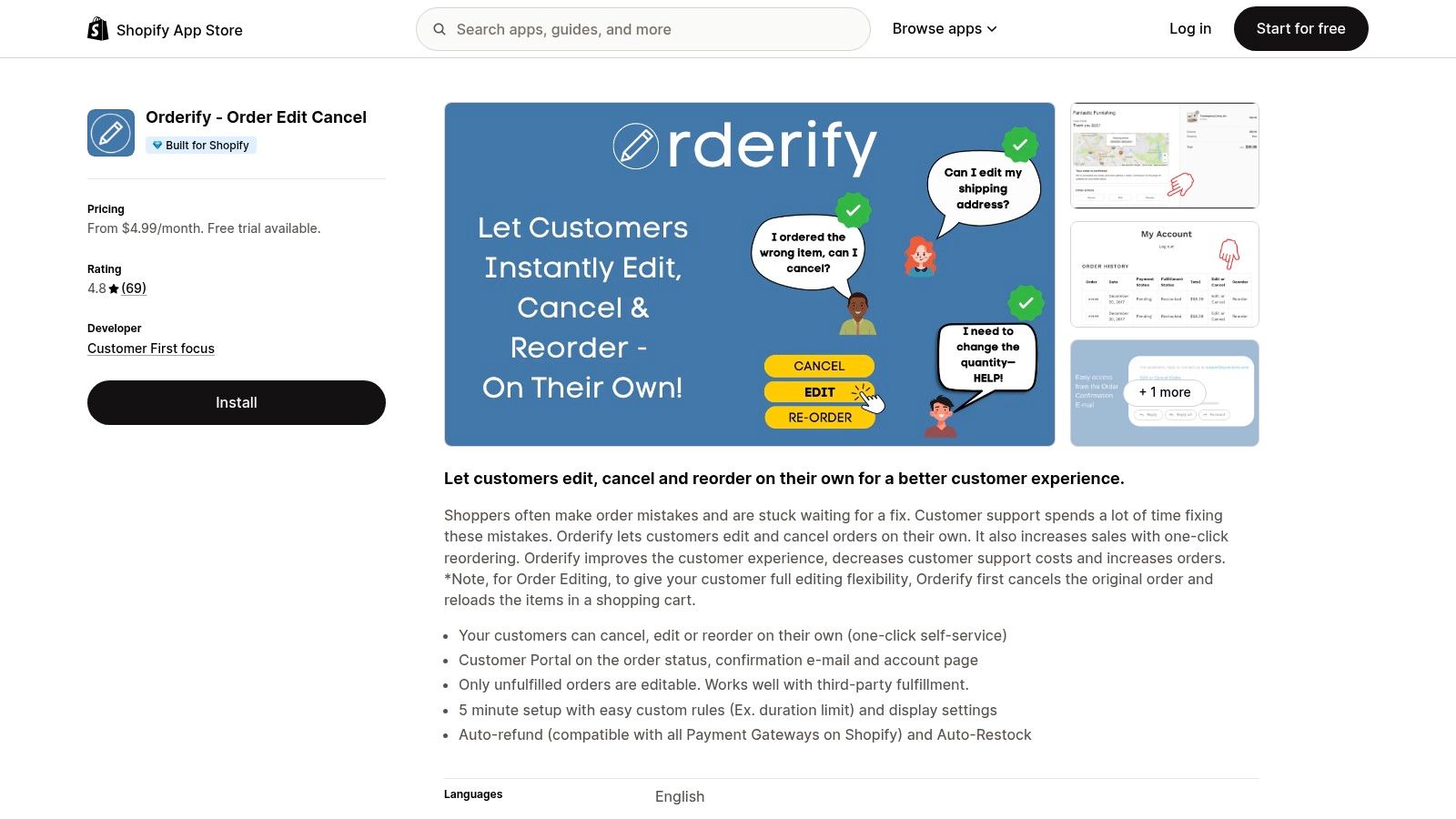
Order recreation is the defining trade-off here. Orderify Order Edit Cancel offers customer editing, cancellation, and reordering, but its editing approach cancels the original order and reloads the items into a cart.
That can provide a customer route to correcting a purchase. It also means you must evaluate a cancellation-and-repurchase workflow rather than assume the original transaction receives an updated variant.
The app includes a customer portal accessible from order-related pages, automatic refund and restocking functions, and edit-duration rules. Editing is limited to unfulfilled orders.
A replacement checkout isn't operationally equivalent to an in-place edit, even when the customer ends up buying the same products.
Follow both order records
Test what happens to discounts, inventory reservations, shipping charges, and customer communications when the original order is cancelled. Then confirm how your warehouse, help desk, and financial reporting distinguish the cancelled order from its replacement.
A particularly important scenario is a customer who starts editing but never completes the new checkout. Your team needs a defined response to that outcome, not an assumption that the original purchase remains intact.
Orderify's lower-cost positioning may appeal to smaller stores, but subscription cost isn't the whole decision. Choose it only if order recreation fits your downstream workflows, and verify the current commercial terms in the listing before comparing total operating cost.
7. Editly Order Editing
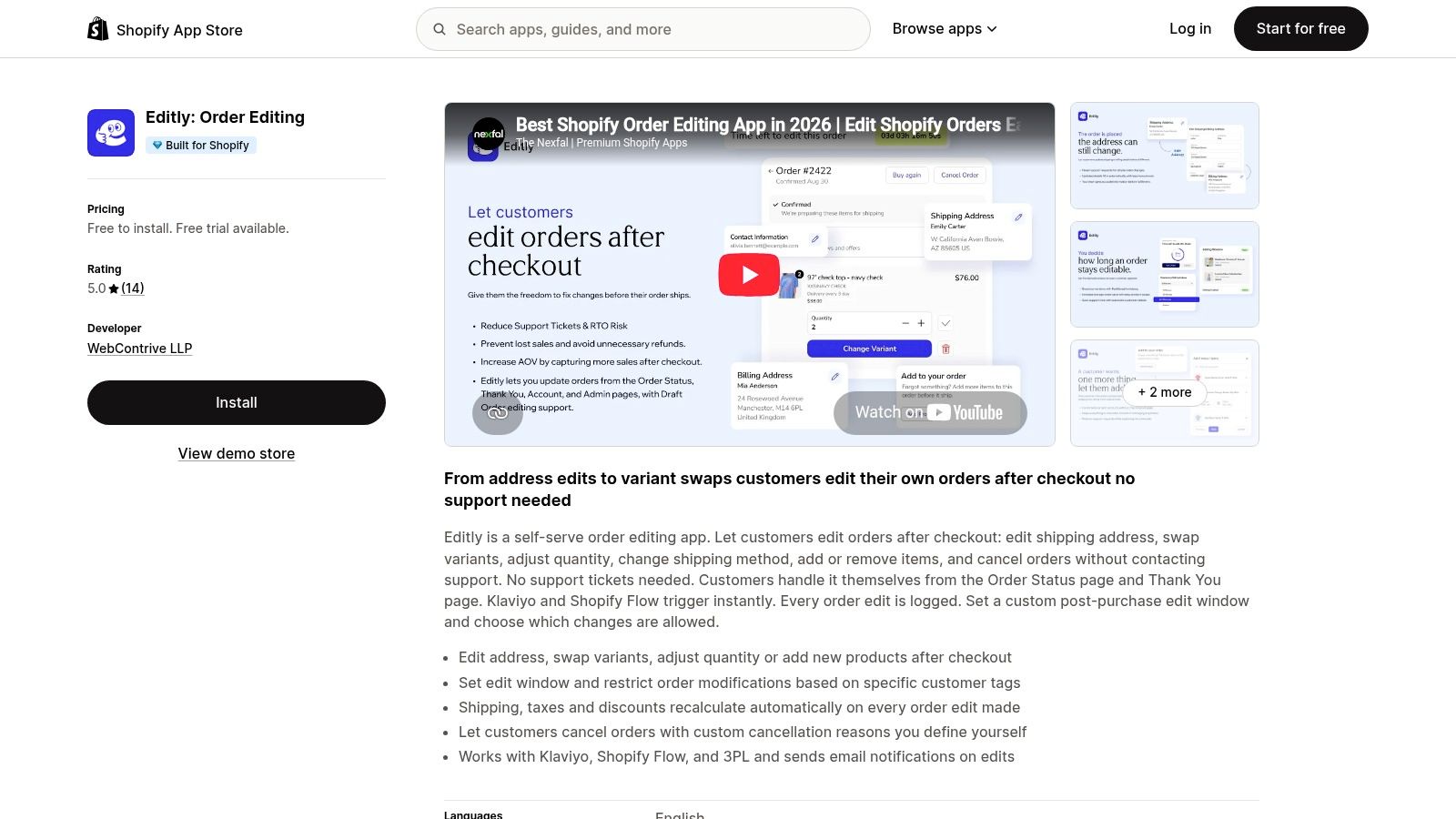
Editly Order Editing offers a straightforward customer-facing route from Shopify's order status and thank-you pages. Customers can correct addresses, change products, variants, and quantities, or cancel within the merchant's permitted workflow.
Its controls include configurable editing periods and customer-tag restrictions. Cancellation reasons, edit logs, Shopify Flow, and Klaviyo support add useful context for teams that want corrections to connect with service and messaging.
Completion matters more than access
Gartner findings cited in Text's customer self-service analysis found that 73% of customers use self-service during at least part of their journey, but only 14% fully resolve their issue there. That's a broad customer-service finding, not an Editly performance claim, and it explains why an accessible editing page isn't enough.
Test the customer journey when an action is unavailable. A blocked edit should explain the restriction and point to an appropriate support route, rather than leave the shopper retrying.
- Useful fit: Routine corrections with clearly defined permissions.
- Pilot focus: Completion, escalation, and repeat contact for each request type.
- Due diligence: Review current charges, limits, and the available merchant feedback before expanding access.
Editly's relatively limited review history makes a controlled evaluation particularly important. Free installation can lower the barrier to trying it, but it doesn't establish the ongoing cost or prove compatibility with your fulfillment setup.
8. EditMyOrder
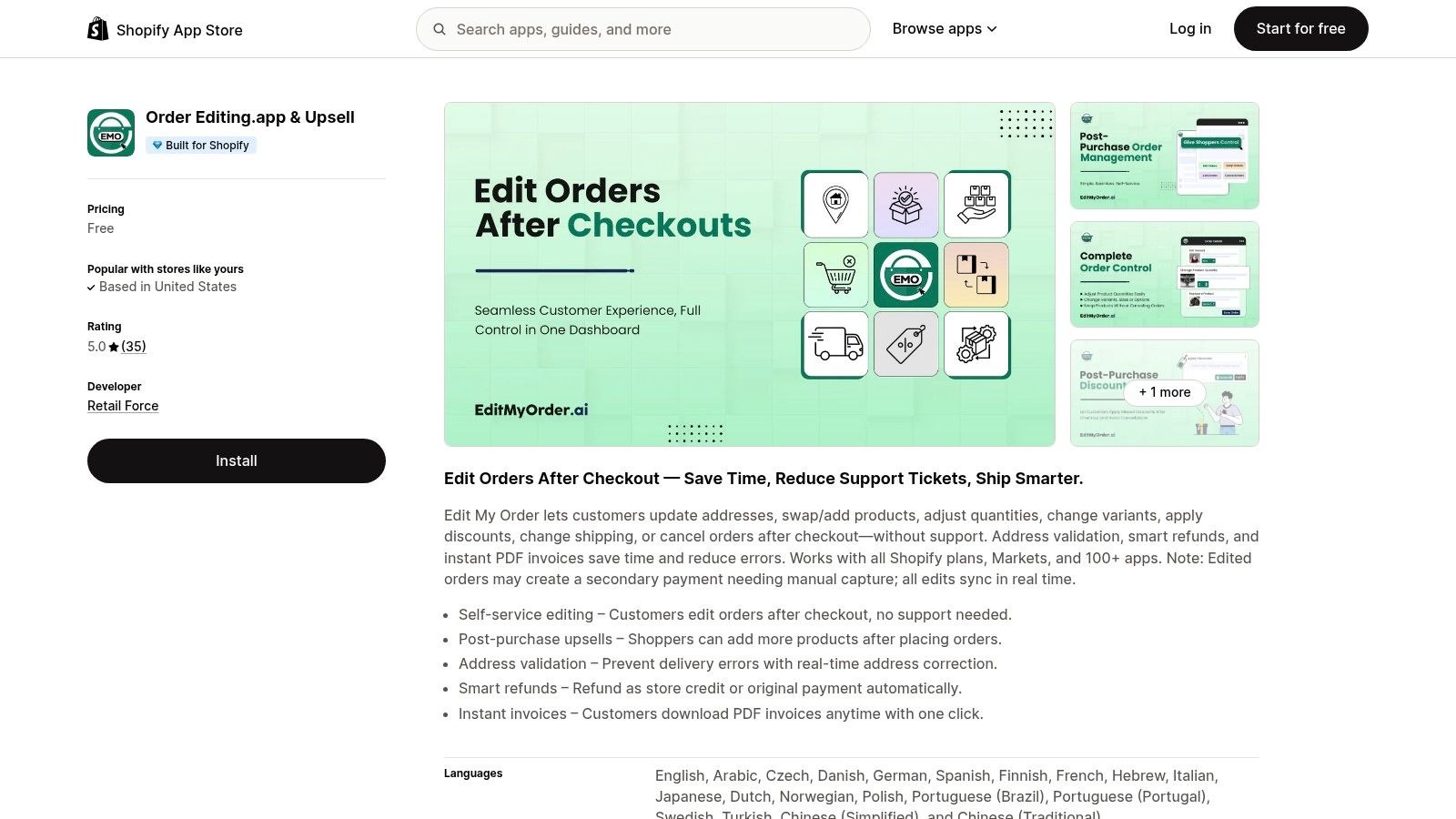
Discount and shipping changes deserve more scrutiny than their small interface controls suggest. EditMyOrder supports customer-facing address, item, quantity, and variant changes, alongside shipping adjustments, discount-code support, and cancellation.
That covers a useful range of routine requests. The decision turns on how those edits affect the order, not whether the app displays the relevant buttons.
For cross-border stores, this distinction matters. DHL's 2025 survey of 24,000 shoppers across 24 markets found that 81% abandon carts when their preferred delivery option is unavailable. That finding concerns checkout, not order-editing results, but it reinforces the need to preserve a clear delivery choice when a customer changes shipping details.
Write the rules before enabling changes
Use documented rules for editing to define eligible destinations, products, fulfillment states, and payment outcomes. A domestic address correction and a change to another country shouldn't automatically follow the same approval path.
Publicly surfaced pricing and reputation information is limited, so verify the current listing and test the mechanics directly. In particular, establish how discount changes interact with existing promotions and whether shipping adjustments require additional payment.
EditMyOrder is worth considering for broad routine corrections. Its fit remains conditional on clear payment reconciliation, reliable warehouse synchronization, and an understandable fallback when the requested change can't safely proceed.
9. EditsYard Order Edit & Upsell
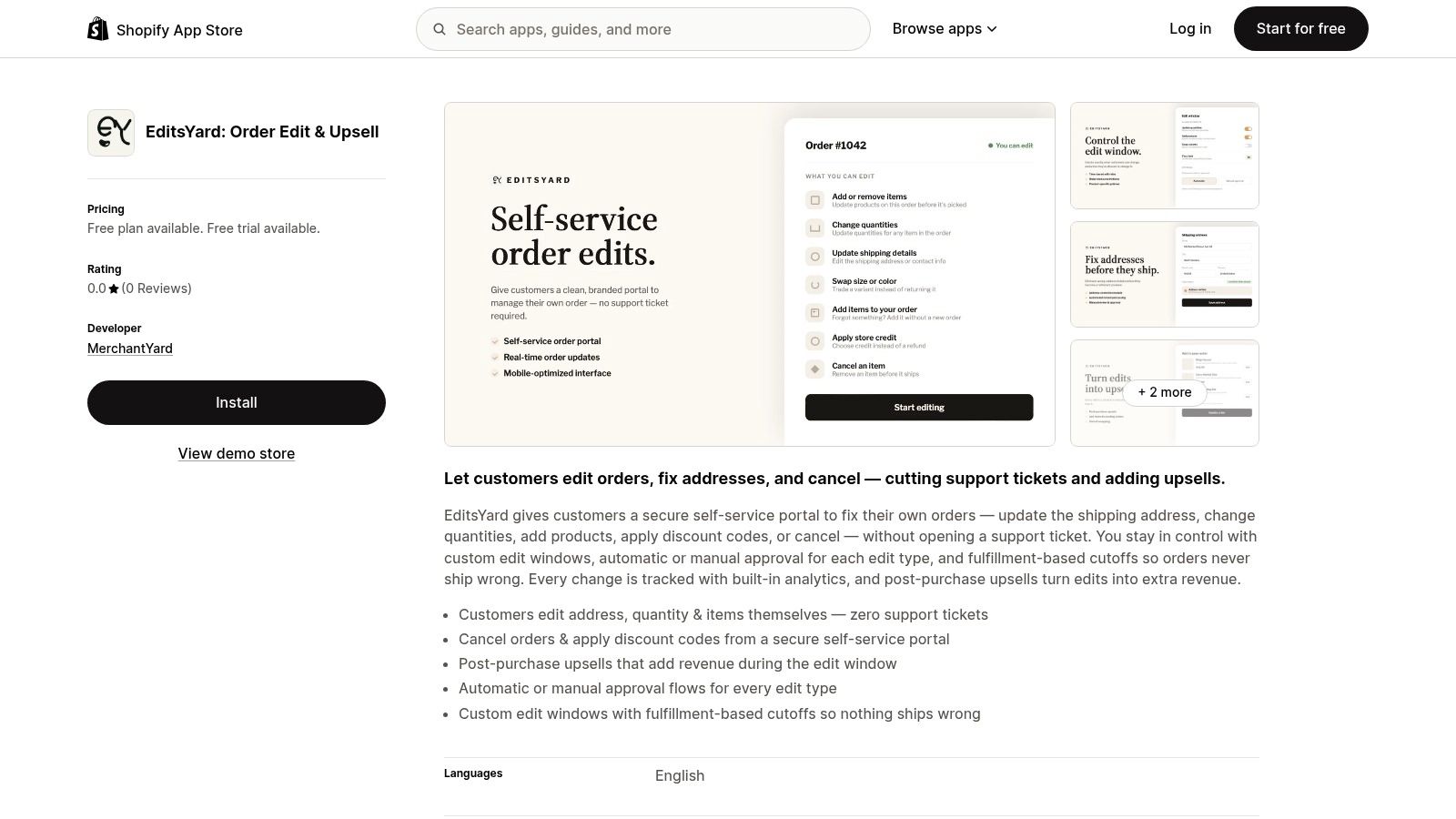
EditsYard Order Edit & Upsell deserves a fulfillment-led evaluation. It combines a self-service editing portal with editing windows, approval controls, fulfillment-based cutoffs, analytics, and post-purchase offers.
Customers can change addresses, quantities, products, and discounts. The important question is whether those permissions close at the right operational moment, particularly if your warehouse begins work before Shopify shows the order as fulfilled.
The operational standard is demanding. WERC distribution-center benchmarks summarized by Waredock's order-accuracy guide place best-in-class order-picking accuracy at 99.68% or higher. That's a warehouse benchmark, not an app guarantee; your editing workflow should protect existing accuracy rather than introduce conflicting instructions.
Pilot against warehouse events
- Before picking: Confirm that the warehouse receives the final committed order.
- During an exception: Establish whether the request is blocked or routed for approval.
- After a failed payment: Verify which order version remains eligible for fulfillment.
The listing snapshot had no merchant reviews, so independent feedback was limited. A free plan and trial provide an evaluation route, but current terms and integration behavior still need verification.
I would treat EditsYard as a candidate for a contained pilot rather than broad immediate deployment. Its controls address relevant problems on paper; the acceptance test is whether your shipping, payment, and warehouse workflows honor them consistently.
10. Shopify's Built-in Order Management
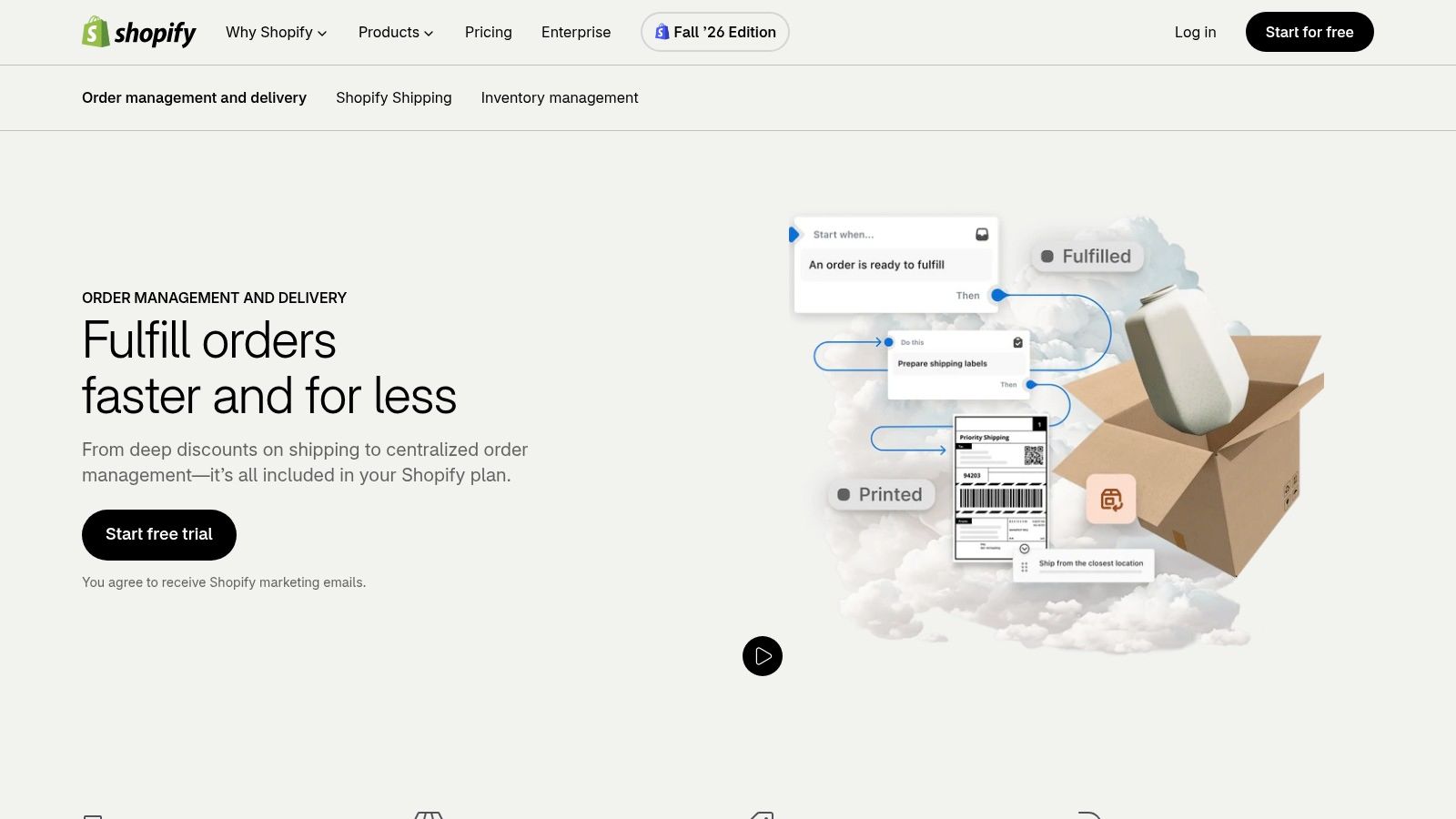
Shopify's native order management is the baseline, not an afterthought. It gives staff a central order index, search and filters, notes and tags, order editing, routing, fulfillment actions, and analytics within the admin.
For stores where staff can comfortably handle correction requests, native tools may be sufficient. They're included with Shopify plans and avoid adding a specialist editing-app subscription.
The limitation is who does the work. Shopify's merchant-side administration isn't the same as a dedicated customer-facing portal with configurable self-service edit windows, cancellation alternatives, and product recommendations.
Separate visibility from permission
An order status tells customers and staff where an order stands; it doesn't necessarily mean a requested change is still safe. The YipSMS Shopify order status breakdown is useful context when defining the difference between processing an order and allowing further edits.
Build your Shopify order management workflow around that distinction. Decide who owns corrections, how staff check warehouse activity, and when customer requests require an exception rather than an ordinary edit.
Native tools are a sensible choice when correction volume is manageable and staff intervention is acceptable. Add a specialist app when customers need to resolve eligible mistakes themselves, not merely because another dashboard looks more advanced.
Keep Shopify's original order record central to the process wherever possible. Support, finance, and fulfillment should be able to identify the authorized order without reconstructing it from messages.
10 order management software options compared
The dividing line after checkout is who fixes the mistake: the customer inside a rules window, or a staff member in admin.
| Tool | Best for | Editing model | Post-purchase upselling | Notable limitation |
|---|---|---|---|---|
| Mayra ‑ Order Edit & Cancel | Customer self-service edits and cancellation recovery | Customer-led edits before fulfillment, with merchant-configured rules | Product recommendations during edits, on the order status page, and after a committed edit | Customers cannot edit fulfilled, cancelled, or archived orders |
| OrderEditing.com | Shopify brands wanting order editing and upsells together | Customer self-service within configurable rules and editing windows | Post-purchase product offers | Higher starting price; revenue results depend on store performance and setup |
| Cleverific Order Edit & Upsell | Stores needing customer and staff editing with fulfillment integrations | Customer self-service plus merchant-side editing | One-click post-purchase offers | Pricing rises with order volume and plan tier |
| AE: Order Editing & Upsell | Stores managing edits, cancellations, returns, and exchanges | Customer-facing edits with broader post-purchase workflows | Post-purchase offers | Broader functionality may require more setup |
| Relocate+ Order Editing | Practical pre-shipment corrections | Customer edits to shipping details and other order information | Limited emphasis on recommendations and upselling | Free plan is limited to one editing type |
| Orderify, Order Edit Cancel | Smaller stores seeking low-cost editing and reordering | Customer portal; editing cancels the original order and reloads items into a cart | No dedicated post-purchase upsell feature | Limited to unfulfilled orders; order recreation may not suit every workflow |
| Editly: Order Editing | Straightforward customer self-service editing | Customer edits through order status and thank-you pages | No dedicated post-purchase upsell feature | Review history is relatively small |
| EditMyOrder | Routine customer-facing order corrections | Customer self-service after checkout | No dedicated post-purchase upsell feature | Pricing and reputation information are limited |
| EditsYard: Order Edit & Upsell | Merchants trialing editing and upselling together | Customer self-service with editing windows and approval controls | Post-purchase upsells | No App Store reviews were listed |
| Shopify's built-in order management | Staff-side order administration and fulfillment | Merchant-side editing in Shopify admin | No dedicated post-purchase upsell feature | No dedicated customer-facing self-service edit portal |
How to Choose and Roll Out Your Pick
Start with the request your team handles most often, not the longest feature list. If wrong sizes dominate, pilot variant swaps; if shipping mistakes dominate, start with address corrections. Keep eligibility restrictive until you've confirmed what happens across Shopify, payments, and the warehouse.
Choose a short editing window and exclude orders that require special handling, such as regulated products, complex bundles, or fulfillment exceptions. A checkout timestamp alone isn't a sufficient safeguard if your warehouse starts picking immediately. Coordinate the cutoff with the people who release orders, including any external fulfillment partner.
Prove the complete transaction
Test increases and decreases in order value, unavailable stock, failed additional payments, cancellations, and edits interrupted before confirmation. Finance should confirm the charge or refund, support should see the customer-facing outcome, and fulfillment should receive the correct final instruction.
Release rule: Don't send an edited order back to fulfillment until the order record, financial adjustment, and warehouse instructions agree.
Measure edited orders, completed self-service requests, escalations, saved cancellations, and accepted additions separately. Define recovered revenue carefully: preserving an existing order differs from generating an additional product sale. Treat avoided-ticket estimates as estimates, and compare them with actual contact patterns before claiming support savings.
This discipline matters because fulfillment affects retention. According to Forrester research cited by Ordoro's fulfillment report summary, 79% of customers in 2024 said their decision to repurchase was heavily influenced by the order-fulfillment experience. Don't improve editing convenience at the expense of dispatch reliability.
Keep setup simple and permissions deliberate
With our app, every customer change is written to the original Shopify order, keeping the admin as the source of truth. Turn on editing in the app's settings, choose the permitted actions and refund handling, and select an editing window from 15 minutes up to 24 hours, or until the order ships.
Add the block through Settings > Checkout > Customize > Order status > Add block > Mayra. The setup doesn't require theme modifications, but straightforward installation doesn't remove the merchant's responsibility for eligibility, approvals, and refund settings.
Expand permissions only after the initial workflow behaves reliably. Review editing rules alongside your process for managing ecommerce parcel deliveries, so a customer correction doesn't become a shipping exception. The right order management software lets customers fix eligible mistakes while giving your team a clear, auditable reason to trust the order that ships.
Mayra ‑ Order Edit & Cancel lets Shopify customers correct eligible orders, consider cancellation alternatives, and add products while keeping changes on the original order. Visit the site to assess its editing controls, then configure a narrow pilot around your most common correction request and fulfillment cutoff.