
A post-purchase upsell is a one-click add-on offered after the primary checkout is completed, appending accepted items to the original order without requiring the customer to re-enter payment details. Benchmark data places typical acceptance at 3% to 8%, while well-optimized offers can reach 10% to 15%. CommerceV3's ecommerce benchmark summary provides the broader context for these ranges.
The practical moment is familiar. A customer has paid, the order is moving toward confirmation, and they realize they also need a case, refill, matching accessory, or upgraded version. Instead of sending them back through a new cart and checkout, the store presents a focused offer that can be accepted immediately. For Shopify operators, the commercial opportunity is straightforward, but the operational details matter just as much. The offer can alter the original order, affect what gets settled, and change what the warehouse is expected to ship.
Table of Contents
- Understanding Post Purchase Upsell Fundamentals
- Types of Post Purchase Offers Explained
- Why Post Purchase Upsells Drive Measurable Revenue
- Real World Examples of Effective Post Purchase Upsells
- How Post Purchase Upsells Work Operationally
- Measuring Post Purchase Upsell Performance
- When to Avoid Post Purchase Upsells
Understanding Post Purchase Upsell Fundamentals
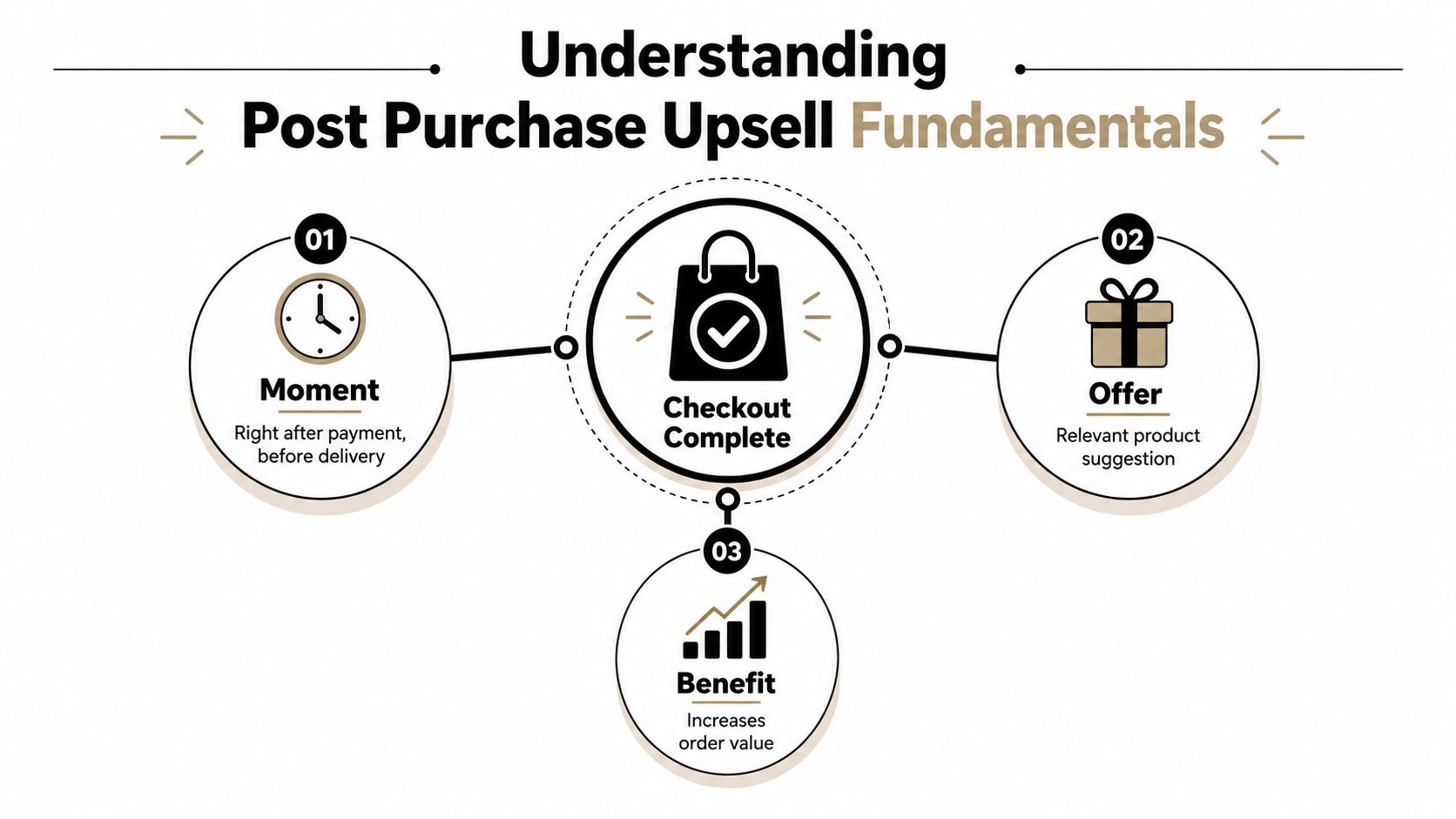
The customer completes checkout. Payment is authorized, the core order exists, and the store is ready to display confirmation. A true post-purchase upsell appears in this narrow window, before the customer has fully left the purchase flow, and asks whether they want to add a relevant item to the order they've just placed.
That timing separates it from several tactics that are often grouped together. A cart recommendation appears before payment and can introduce hesitation at the most sensitive point in the checkout. A thank-you-page recommendation may show products after purchase, but it's informational unless the customer can accept the item through a transactional flow. An email or SMS offer arrives later and generally sends the customer through another shopping session and checkout.
Practical rule: If accepting the offer creates a separate checkout instead of changing the completed order, you're looking at a follow-up purchase, not a true one-click post-purchase upsell.
The accepted item is appended to the original order. The customer isn't asked to type their card details again, and the merchant doesn't need to treat the add-on as an unrelated acquisition event. That combination, an existing payment relationship and a product that fits the order, explains why the moment carries unusually strong buying intent.
The order remains the source of truth
This distinction has consequences beyond user experience. The original order now contains the primary item and any accepted add-on, so the merchant's admin, payment records, inventory logic, and fulfillment process need to recognize the updated state. A customer should see one coherent order, not a confusing chain of loosely connected transactions.
The offer also needs to be clear about what changes. Show the product, price, variant, shipping implications, and any discount before the customer accepts. A one-click interaction should reduce friction, not hide the commercial terms.
Why the moment is valuable
The customer has already decided to trust the store with a purchase. That doesn't mean they'll accept anything, but a relevant add-on can monetize intent that already exists without putting the original sale back at risk. Add-ons, replenishment items, and bundles tend to fit this context because they solve a need connected to what the customer has already selected.
Types of Post Purchase Offers Explained
Not every post-purchase offer is the same. The right format depends on whether the customer needs a companion product, more of the same item, a better version, or a future-use incentive.
A one-click upsell usually adds a closely related product to the existing order. Someone buying a laptop might receive an offer for a compatible sleeve or hub. Someone buying skincare might see the matching cleanser or moisturizer. The offer works because the customer can understand the connection without researching the entire catalog.
A cross-sell is similar, but the emphasis is on completing the use case rather than increasing the product tier. A customer who buys a camera may need a memory card, while someone purchasing running shoes may benefit from replacement laces or care products. The distinction is useful because cross-sells often feel more helpful than a push toward a premium version.
Match the offer to the buying decision
An order add-on is a practical extra attached to the shipment. Gift wrapping, an accessory, a replacement component, or a service can work here, provided the merchant can fulfill it within the same operational flow. The customer isn't necessarily upgrading the original purchase. They're making the order more complete.
An upgrade offer asks the customer to choose a higher-value version or enhanced service. It makes the most sense when the catalog has a clear difference between standard and premium options. For a subscription product, an upgrade might change the plan or recurring value. For a one-time product, it might replace the purchased variant, which requires careful handling because the order may already be allocated for fulfillment.
Bundle deals combine related products with an incentive, while loyalty incentives add future rewards to the immediate decision. A bundle can raise the value of the current shipment, whereas loyalty points or another reward may encourage a later purchase. One-time discounts are simpler, but discounting an item that already has strong relevance can unnecessarily reduce margin.
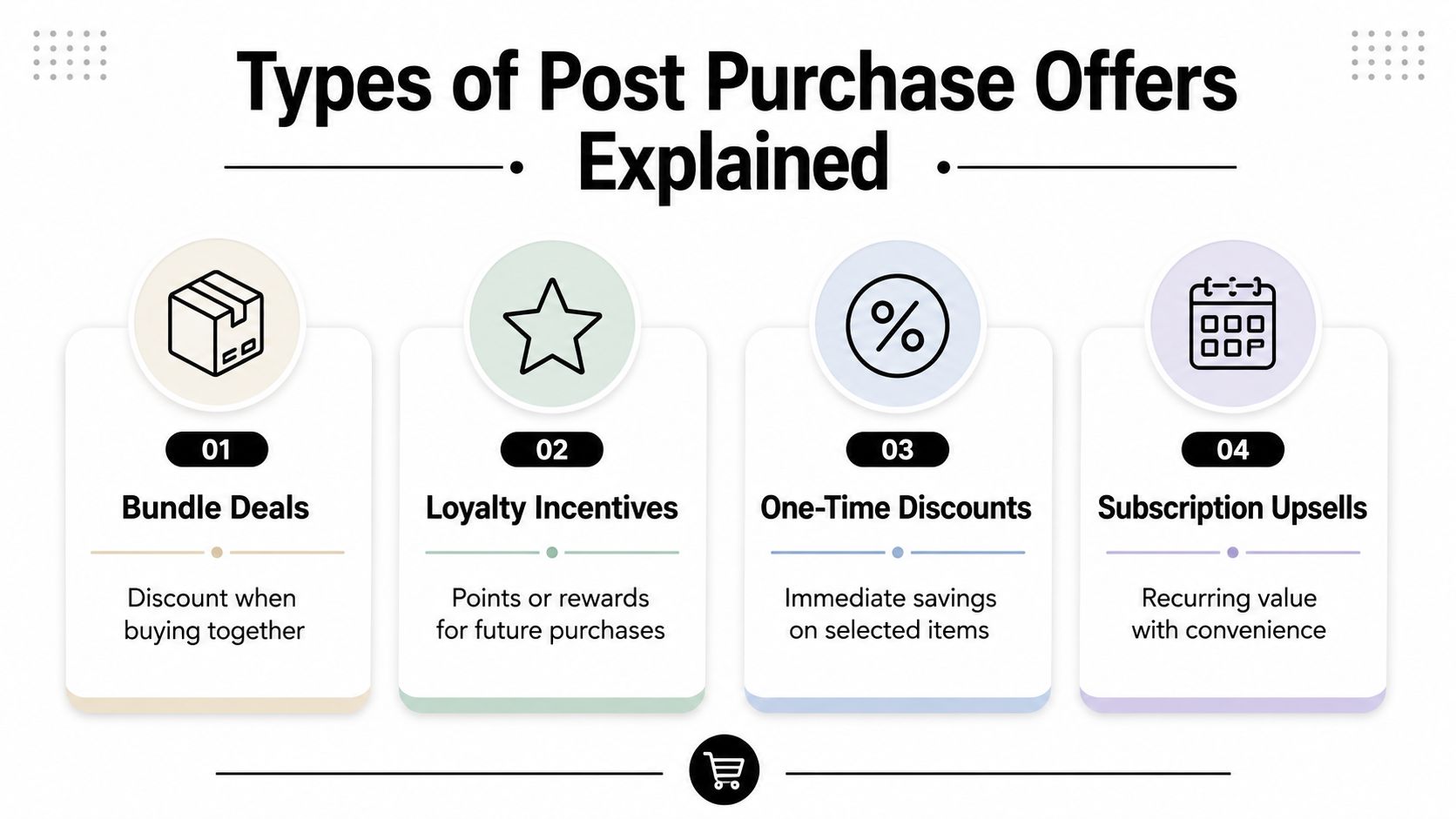
A practical selection rule is to begin with the smallest, most natural extension of the original purchase. Test a premium upgrade only when the customer can see the difference quickly. Use a subscription offer when convenience and replenishment are central to the product, not because recurring revenue sounds attractive.
Why Post Purchase Upsells Drive Measurable Revenue
The economic appeal is simple. The store has already paid the cost of acquiring the customer, and the buyer has already completed the primary decision. A relevant post-purchase offer can create additional revenue without asking the customer to restart the journey or risking the original cart.
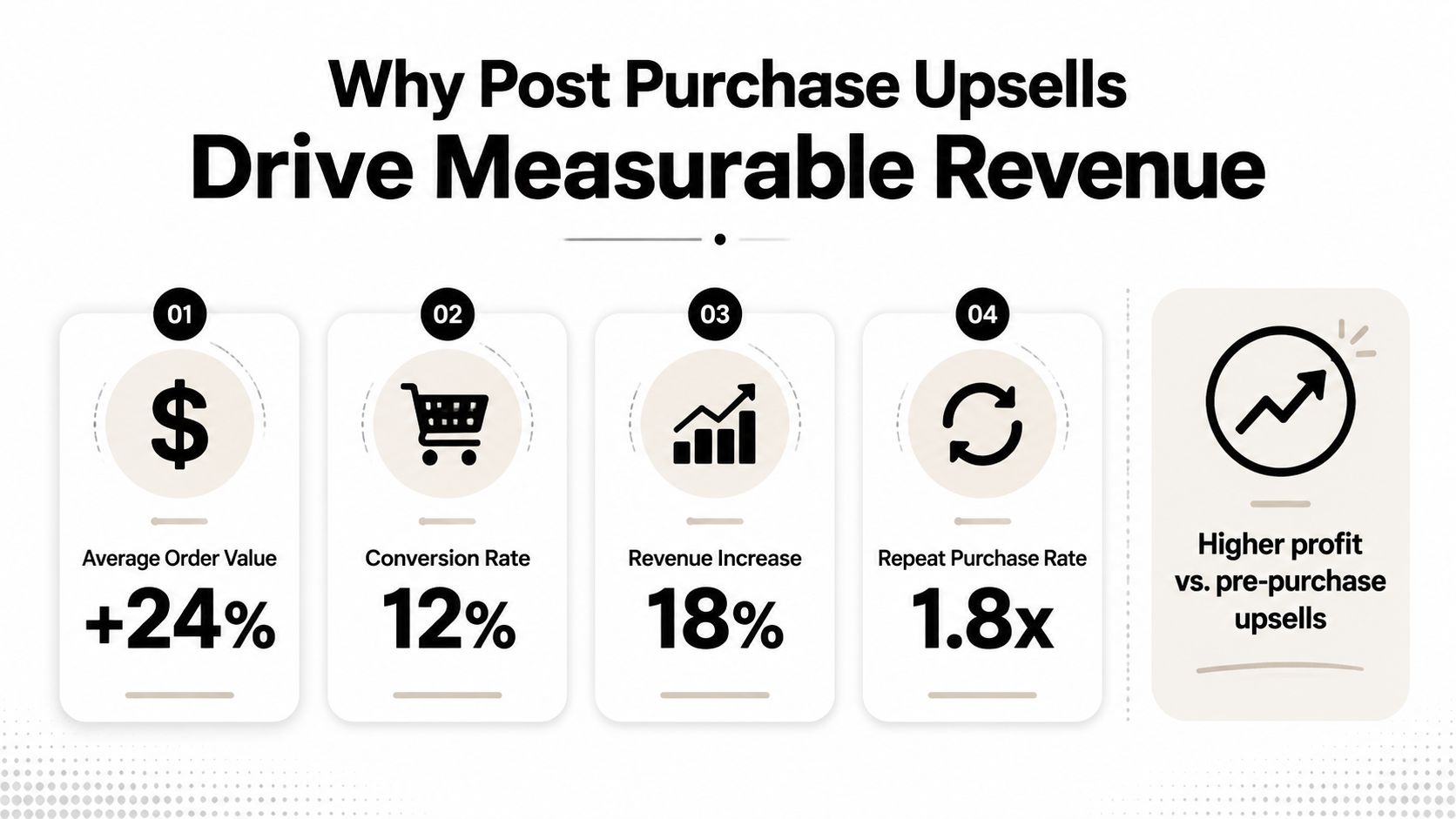
Benchmark results vary substantially, so operators should treat them as directional rather than guaranteed. CommerceV3 reports typical ecommerce acceptance rates of 3% to 8%, with optimized offers reaching 10% to 15%. A separate ConversionBench summary of one-click upsell patterns reports a typical conversion lift of +3.0 to 8.0% for that pattern. These figures describe different benchmark contexts, which is precisely why a store should establish its own baseline.
One dataset covering more than 40,000 merchants reported a 4.7% average take rate and a 5.6% average AOV uplift, while its top 5% of offers converted at 28.3%, according to Zipchat's benchmark discussion. Other industry analyses place common AOV lift at 10% to 20%, with automated sequences sometimes reporting 20% to 30% increases and a median lift of 25% in the cited summary. The spread shows that offer-product fit, price, catalog structure, and implementation can matter more than a headline benchmark.
Automation beats manual recommendation logic
Automated sequences can generate 14% to 22% of total revenue from upsells and cross-sells, compared with 3% to 5% for manual recommendation approaches, in the broader merchant benchmarks summarized by CommerceV3. Automation helps because the offer can be tied to the completed order rather than selected from a generic product list.
The best results don't come from showing more products. They come from reducing the decision to one clear, relevant action. A smaller add-on that solves an obvious need can outperform a more expensive recommendation that requires explanation.
For merchants evaluating the broader AOV strategy, this Shopify average order value guide provides useful context. Post-purchase revenue should be measured as incremental contribution, not celebrated because gross order value increased.
Real World Examples of Effective Post Purchase Upsells
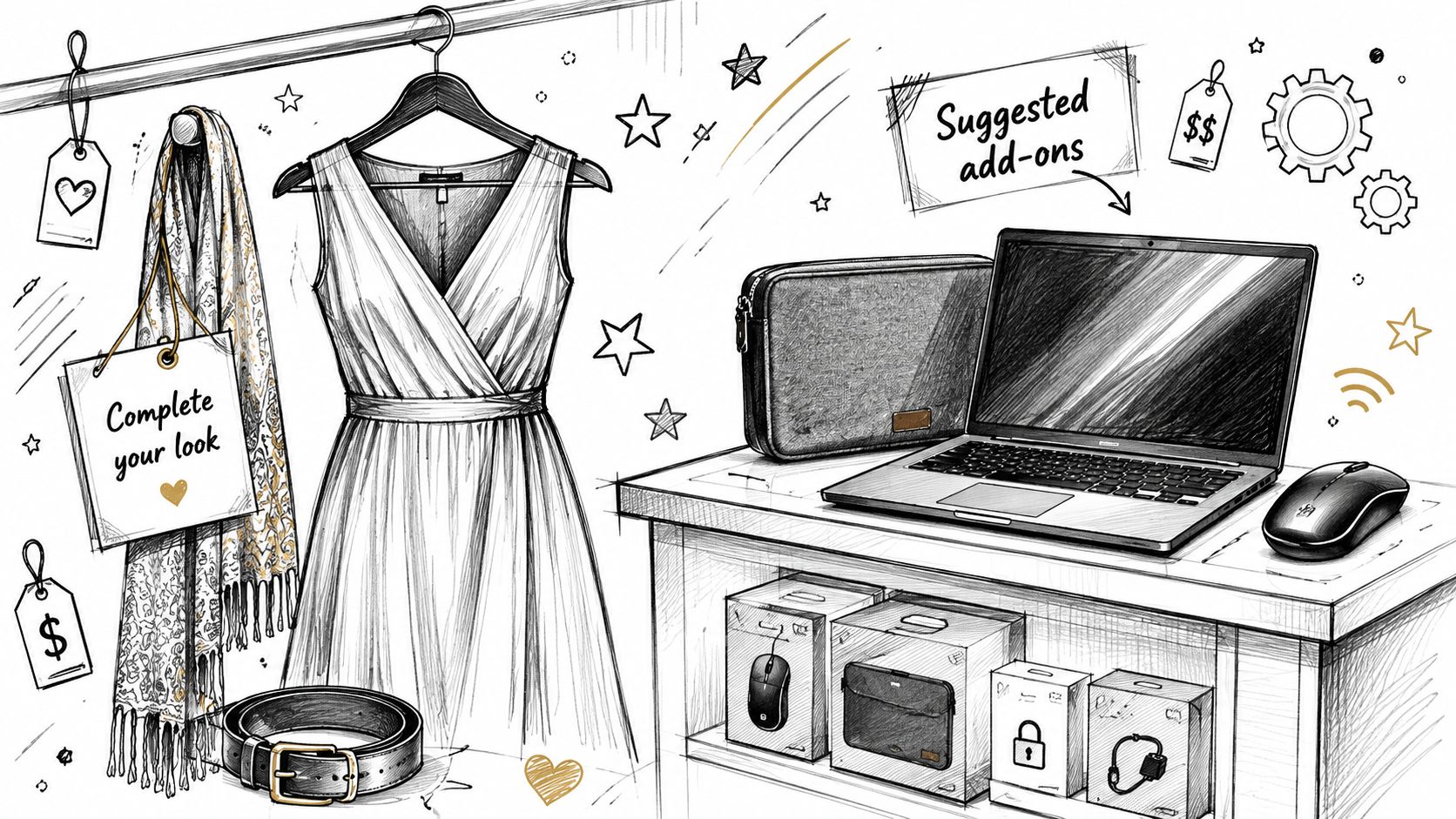
A fashion store sells a dress. The most natural follow-up isn't a random product from a popular collection. It might be a matching belt, garment care item, or accessory that completes the outfit. If the add-on is shown with the correct color and size logic, the customer can make a quick decision without wondering whether it belongs with the original purchase.
The offer should feel like assistance, not pressure. A modestly priced accessory is easier to justify than a large unrelated purchase, especially when the customer has already finished paying.
Electronics need compatibility controls
An electronics merchant has a different problem. A customer buying a laptop may need a sleeve, adapter, docking station, or protection service, but compatibility errors can create returns and support work. The offer should use product relationships, variant rules, and exclusions rather than relying on a broad “customers also bought” feed.
For example, a USB-C hub can be relevant to one laptop model and unsuitable for another. The customer benefits from a specific recommendation, while the operations team avoids shipping an accessory that doesn't work with the purchased device.
A one-click upsell app for Shopify can support this kind of flow when it writes the accepted item to the original order and preserves a simple acceptance experience. The technology doesn't replace merchandising judgment. It makes the chosen logic easier to execute.
Consumables reward convenience
A coffee, supplement, or personal-care store can offer a replenishment item after a one-time purchase. The strongest version connects the suggestion to the product already ordered and explains the practical benefit, such as having a replacement available or adding the companion product needed for use.
Subscription upgrades require more caution. A recurring commitment changes the customer's future billing relationship, so the offer needs transparent terms and a clear distinction between adding another item now and changing the purchase into a subscription. If the customer can't understand the commitment immediately, the convenience argument disappears.
How Post Purchase Upsells Work Operationally
The customer sees a simple button, but the merchant's system has to manage a state change. Once the offer is accepted, the add-on is appended to the original order rather than sent through a new checkout. The order total changes, inventory needs updating, and the payment workflow must account for the extra charge or any applicable refund.
The operational sequence
A reliable flow usually follows this order:
- Eligibility is checked. The store determines whether the order is still within its edit window, whether it has entered fulfillment, and whether the purchased products, destination, or order value qualify.
- The offer is rendered. The customer sees a relevant product, available variant, price, and terms tied to the existing order.
- The customer accepts. The system adds the item to the same order and records the change.
- Settlement is handled. The extra charge is invoiced through Shopify, while refunds can process automatically or wait for approval when merchant rules require review.
- Fulfillment resumes. The warehouse receives the updated order after the active edit or upsell process no longer creates a risk of shipping stale information.
This is why an order-status experience can be more than a confirmation page. The Shopify order status page can serve as an in-account location for relevant changes and offers, provided the merchant controls what customers are allowed to edit.
Fulfillment safeguard: Pause shipment while an active post-purchase change is being processed. A revenue feature isn't successful if the warehouse ships the original order before the add-on or address update reaches the fulfillment system.
Governance prevents expensive exceptions
Merchant rules should control more than product selection. Set eligibility by fulfillment state, order value, product, collection, tag, or destination country. Decide whether customers can add items, remove them, change quantities, swap variants, or update addresses. Approval rules matter too, particularly when refunds or high-value changes could create financial exposure.
The warehouse and customer-support teams need visibility into these rules. If the customer can accept an offer after picking has started, the store must either hold the order or reject the action clearly. A clean workflow makes the original Shopify order the system of record and prevents support agents from reconciling separate checkouts manually.
Measuring Post Purchase Upsell Performance
Acceptance rate is useful, but it's only the first signal. A low take rate can still produce worthwhile contribution when the offer has strong margin and minimal fulfillment complexity. A higher take rate can be misleading if the item is heavily discounted, expensive to ship, or frequently returned.
Track the program at order level and offer level. The core question isn't whether customers clicked. It's whether the accepted product produced profitable incremental revenue while preserving a reliable customer experience.
Metrics that belong in the operating dashboard
| Metric | What It Measures | Why It Matters |
|---|---|---|
| Acceptance rate | The share of eligible customers who accept the offer | Shows whether the offer and presentation fit the audience |
| Margin-adjusted revenue | Incremental revenue after product margin, discount, and fulfillment costs | Separates useful growth from unprofitable volume |
| AOV uplift | The change in average order value associated with accepted offers | Shows how the offer changes basket economics |
| Incremental revenue per order | Upsell contribution distributed across eligible orders | Makes different offer volumes easier to compare |
| Fulfillment exception rate | Operational issues tied to changed orders | Reveals whether the flow is creating warehouse or support burden |
Reported benchmarks range from 3% to 8% in one ecommerce summary to 28.3% among the top 5% of offers in a dataset discussed by Zipchat. That variation isn't a reason to chase the highest number. It's a reminder to segment results by product, customer type, traffic mix, offer price, and fulfillment condition.
Use a controlled testing window
Flux Agency's Shopify Plus guidance recommends testing for about 30 days and optimizing for acceptance rate alongside margin contribution. Use that period to compare offer relevance, price structure, copy, and eligibility rules, while keeping the measurement definition stable.
Start with one offer per order. Record who was eligible, who saw it, who accepted, what the incremental margin was, and whether the order required manual intervention. That data gives operators a dependable baseline for deciding whether to expand the program, narrow eligibility, or remove an offer that looks strong in revenue but weak in contribution.
When to Avoid Post Purchase Upsells
A post-purchase offer isn't automatically helpful because the customer has paid. Don't show one when the recommended item has no clear relationship to the order, when the customer is already dealing with a delivery problem, or when the warehouse can't safely accommodate an order change.
Generic recommendations are a common failure. A customer who buys a highly specific product shouldn't receive a broad catalog carousel that forces them to search for relevance. The offer should also be excluded when inventory, destination, variant compatibility, or fulfillment state makes the transaction risky.
Operational timing is another reason to decline. If the order is already locked for picking or shipment, accepting an add-on can create split fulfillment, incorrect packing, or a support ticket that costs more than the incremental revenue. The system should explain when an offer isn't available rather than allowing a change that staff must repair manually.
Standalone post-purchase pages may also become less useful when customers already manage orders through Shopify customer accounts or the order-status experience. An in-account offer can keep the order context visible and make edits, additions, and status information feel like one workflow. That approach is particularly valuable when the same system needs to manage eligibility, fulfillment holds, settlement, and customer permissions.
The strongest rule is narrow: offer a relevant add-on only when the order is eligible and the business can fulfill the changed state cleanly. If the margin contribution doesn't exceed discounting and fulfillment costs, or if the offer weakens trust, leave it out.
Mayra Apps helps Shopify merchants manage self-serve order edits, order-status-page recommendations, and one-click upsells that append accepted products to the original order, with merchant-controlled eligibility, approval, settlement, and fulfillment-hold rules. Visit Mayra Apps to evaluate whether its post-purchase workflow fits your store's catalog and operations.