
The customer placed the order fifteen seconds ago. Then they noticed the apartment number was wrong. Their urgent email is already in your support queue, while your warehouse may be preparing the label.
That moment determines whether the fix takes a few clicks or turns into a carrier exception, reshipment, refund, or fraud review. The right question isn't, “Can we update the shipping address?” It's which stage the order has reached, what your store can still control, and whether the requested change should be approved at all.
Table of Contents
- The Moment a Customer Catches the Wrong Address
- How a Customer Updates a Shipping Address Today
- How a Shopify Merchant Handles the Edit From the Admin
- When the Address Can and Cannot Still Be Changed
- What a Missed Address Correction Actually Costs
- Why Shipping Address Changes Are Also a Fraud Signal
- A Quick Decision Checklist for the Next Address Change
The Moment a Customer Catches the Wrong Address
A customer clicks Place order, checks the confirmation, and spots the wrong apartment number. They message support immediately, but the order may already be entering fulfillment. The fix depends on the stage, not the wording of the request.
Checkout is the easiest point to recover. In one Shopify dataset, 5.2% of more than 10 million orders were edited after checkout. Shipping-address changes were the most common edit, accounting for 30.2% of edited orders, or 48,742 corrected addresses. The median edit came 4.6 minutes after checkout, showing how quickly customers often catch mistakes while a store can still act. (Shopify order-editing statistics)
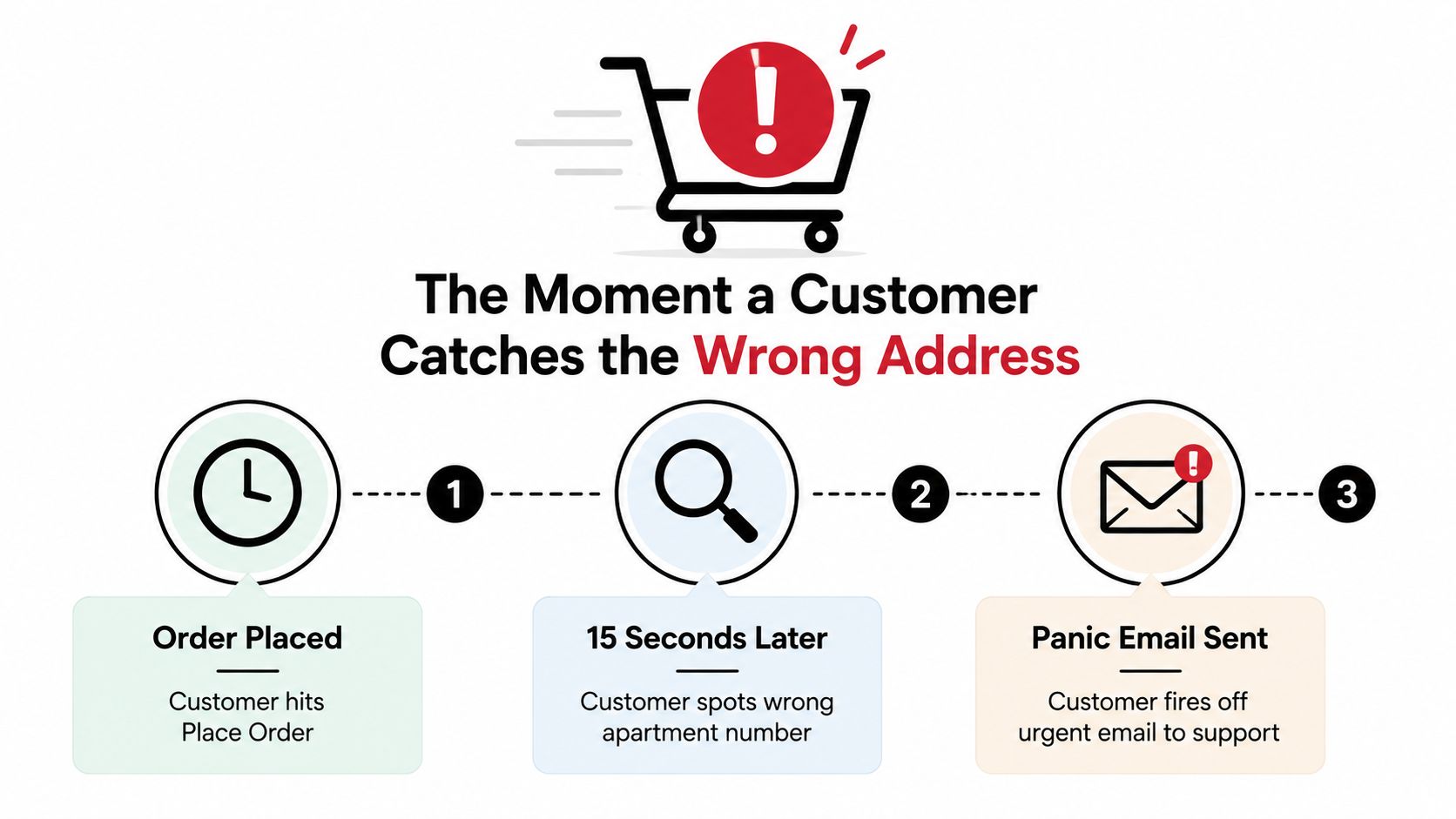
Treat the panic window as a workflow
Use a decision tree from the start. At checkout, correct the address before payment is submitted. Immediately after purchase, a self-serve tool such as Mayra Order Edit can capture eligible changes without waiting for support. If the order is already being picked, packed, or handed to a carrier, the request moves into an admin and fulfillment exception process.
That timing determines the response. An unfulfilled order may still accept a controlled address edit. A generated label or packed parcel requires coordination with the warehouse or carrier, and a shipment already in transit may only support a delivery correction, hold, return, or reshipment.
Address quality has a direct operational cost. A global study found that failed deliveries were widespread among ecommerce organizations, and inaccurate or incomplete address data was associated with a substantial share of them. The reported average cost was $17.20 per failed order, so validating a correction early is cheaper than handling the exception later. (Loqate failed-delivery findings)
Practical rule: Treat every address request as a race against fulfillment.
Support should try to stop the parcel before it becomes a carrier problem. Once it leaves the store's direct control, use Logivo delivery exception advice to structure the next action, then document the outcome in the order record.
How a Customer Updates a Shipping Address Today
Start from the customer's side, because that's where the request begins.
The customer path
Open the order record. If the customer has a Shopify account, they should sign in and open their order history. From there, they can check the order status page for an available address-edit control.
Look for an edit option before contacting support. A visible control should make clear whether the order is still eligible. If the page shows only tracking or fulfillment information, the customer shouldn't assume that replying to the confirmation email will stop the shipment.
- Send a complete support request if self-service isn't available. The message should include the order number, the full corrected address, apartment or unit details, postal code, and a reachable contact method. “Please send it somewhere else” gives an agent too little to act on safely.
A store's shipping information should also tell customers what happens after checkout, including whether changes require support and whether fulfillment can begin immediately. A clear Fleetalyse shipping page offers a useful example of the kind of customer-facing shipping information merchants should make easy to find.
Where the path breaks
Guest orders often lack a customer account or a persistent account area. A shopper who checked out on mobile may have only a confirmation email, and some stores don't expose an order status page with editing controls. Even when the page exists, the customer may not know whether the edit is permitted or whether submitting a request creates a hold.
That leaves support agents handling a predictable set of interruptions. They must identify the order, verify the request, check fulfillment, edit the record, and notify the warehouse or fulfillment partner. A customer self-service portal can place the first part of that process in the customer's hands, but it can't remove the need for rules, verification, and exception handling.
How a Shopify Merchant Handles the Edit From the Admin
The native merchant workflow is straightforward when the order is still unfulfilled, but “straightforward” doesn't mean automatic.
The admin sequence
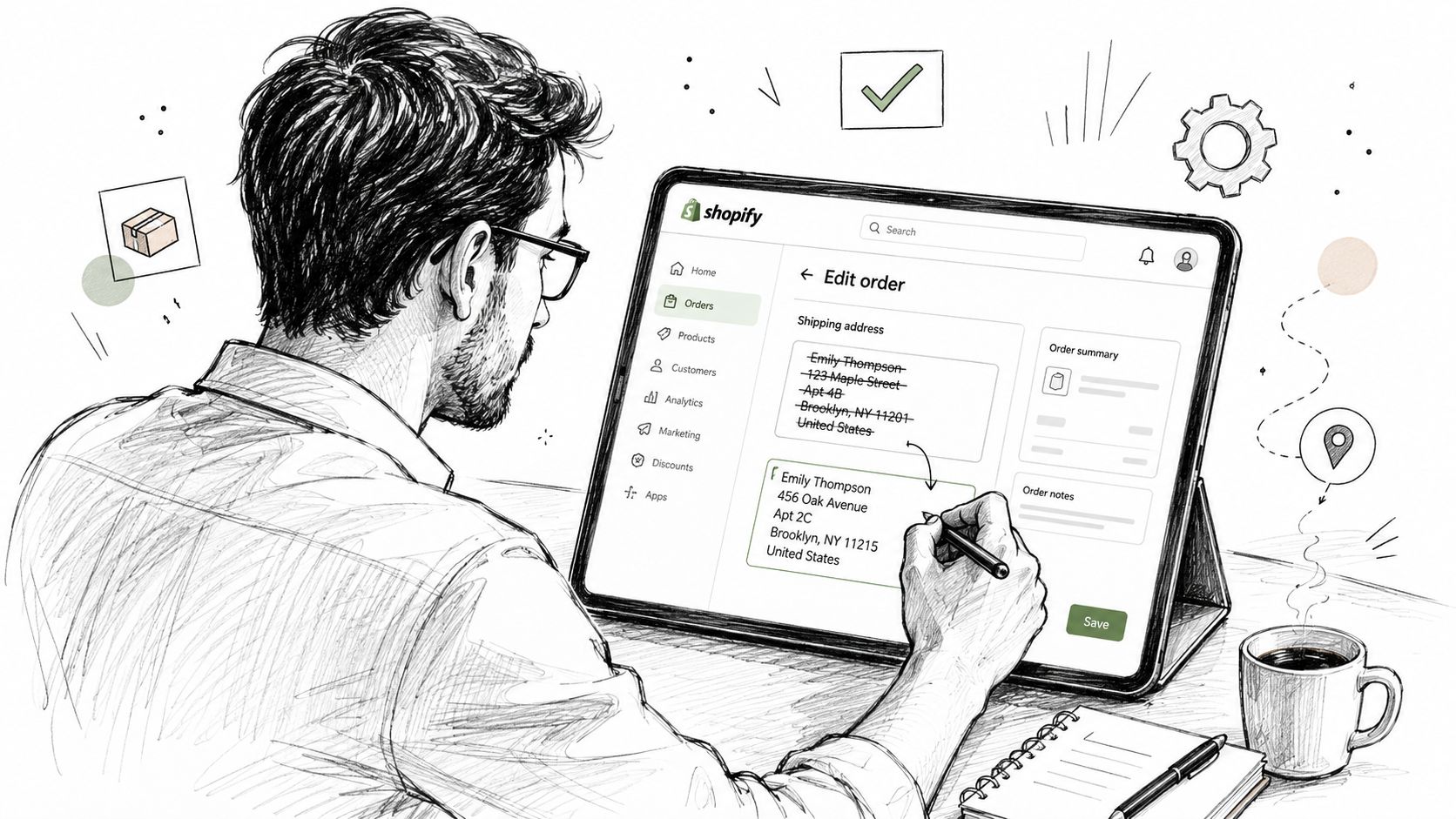
Open Orders in Shopify admin, select the affected order, find the shipping-address section, choose the edit control, enter the corrected fields, and save. Before doing that, confirm that no fulfillment has been released and that the warehouse or 3PL hasn't already packed the parcel.
Shopify's address validation may reject incomplete or invalid data. An apartment number, postal code, or country change can also affect shipping eligibility, taxes, routing, or the fulfillment location. Don't overwrite the address from a vague email. Compare the request with the original customer record and the original payment context.
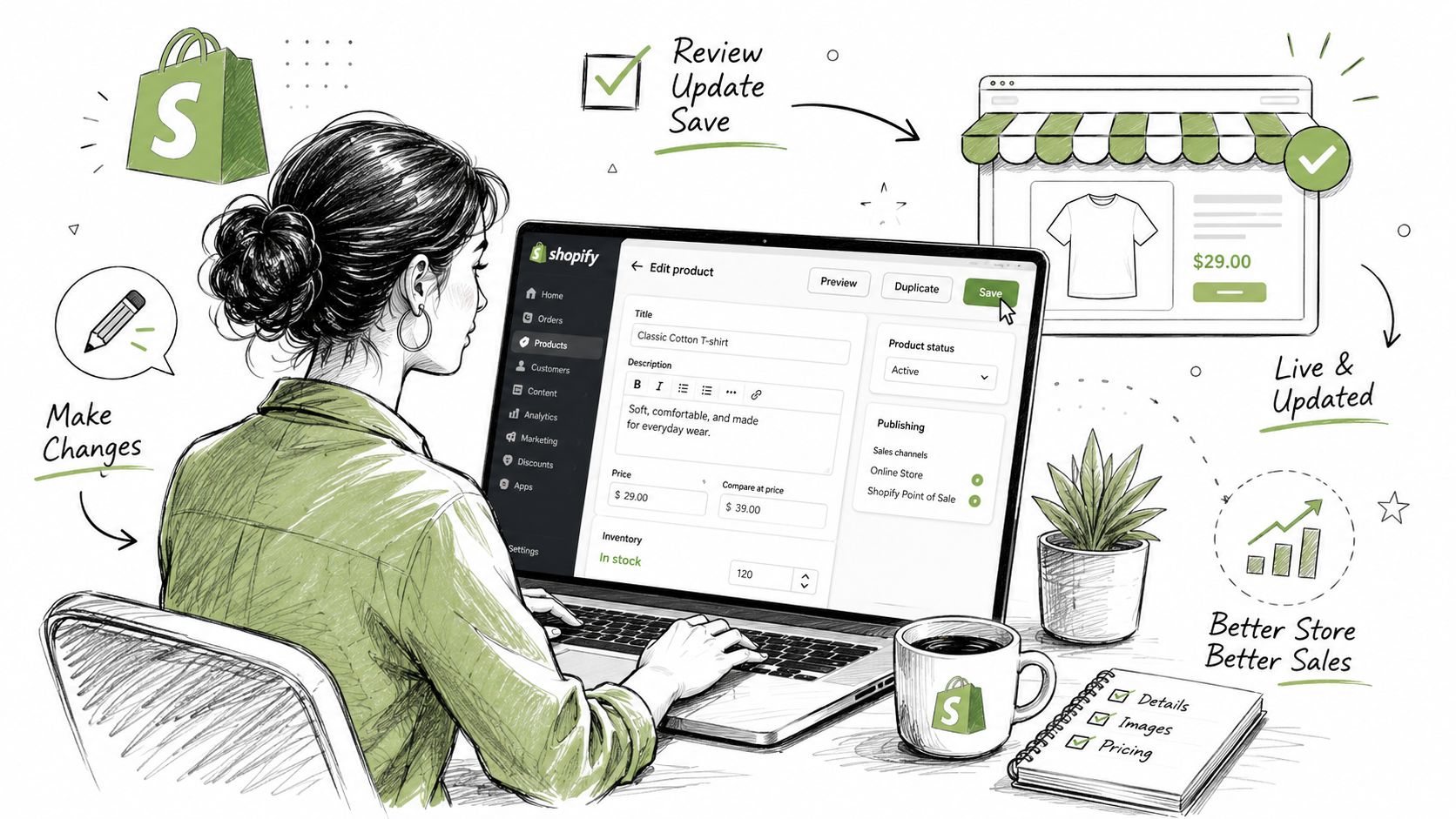
What the admin edit doesn't solve
An admin edit still depends on a human noticing the ticket in time. It also doesn't automatically make the customer responsible for entering complete information, and the surrounding fulfillment workflow may require a hold or an update to a draft fulfillment.
Use this operating sequence:
- Check fulfillment first. If the order is already being processed, pause the workflow before changing the record.
- Validate the replacement address. Require every field needed for delivery, not just the field the customer says is wrong.
- Confirm downstream synchronization. Make sure the warehouse, 3PL, and shipping-label process use the updated order data.
- Record the request. Keep the original and replacement details available for audit and fraud review.
A self-serve product such as Mayra Order Edit and Upsell can let customers change eligible order details, including the shipping address, through the customer account or order status page. Its merchant-defined edit windows, permissions, approval rules, and fulfillment holds are the important controls. The app writes changes back to the original Shopify order, while the merchant still decides which orders and actions qualify. For the admin-side procedure and timing considerations, see this guide to editing a Shopify order before it ships.
When the Address Can and Cannot Still Be Changed
Address changes have three operational stages. The earlier the request arrives, the more control the store has and the fewer external parties need to cooperate.
| Stage | Shopify Admin | Carrier | Mayra Order Edit |
|---|---|---|---|
| Before fulfillment and label generation | Edit the unfulfilled order, subject to validation and merchant rules | Usually not involved | Can expose an eligible self-serve address edit and apply a fulfillment hold |
| After label creation | Update the order, then confirm whether the label and fulfillment record must be replaced | May offer a delivery-management or intercept process, subject to eligibility | May block the edit according to the merchant's window or route it for approval |
| In transit | The admin record no longer controls the parcel's physical route | UPS or FedEx may accept an address-change request before delivery, but eligibility varies | Usually cannot guarantee a carrier reroute once the order has left the controlled workflow |
The cheapest intervention point is before the label is generated. After label creation, the old label may need to be voided or the shipment record corrected. After the parcel enters transit, the carrier controls the change. UPS says its address-change option may be unavailable, in which case the sender must be contacted. FedEx warns that a change may alter the delivery date and provides a case number after submission. (UPS delivery-change guidance)
The hard stops
A manifest scan, a filed international customs declaration, or a 3PL status showing the order as packed can close the practical edit window. At that point, changing Shopify's address field doesn't guarantee that the parcel will follow the new destination.
Teams should document these status transitions in their Shopify order workflow. A self-serve edit window is useful only when it aligns with the actual warehouse cutoff, not an arbitrary promise shown to customers.
What a Missed Address Correction Actually Costs
A wrong address rarely creates one expense. It starts with correction work, then can lead to carrier fees, a returned parcel, another support conversation, and replacement fulfillment.
Carrier correction may carry a direct charge. USPS requires electronic address-correction handling for certain mailers using Intelligent Mail package barcodes, and shipper-side correction notices can trigger an electronic fee. A 2026 UPS benchmark lists an address-correction charge of $25.25 per package, up from $23.50 in 2025, which makes address validation before label generation a practical cost-control step. (USPS address-correction requirements)
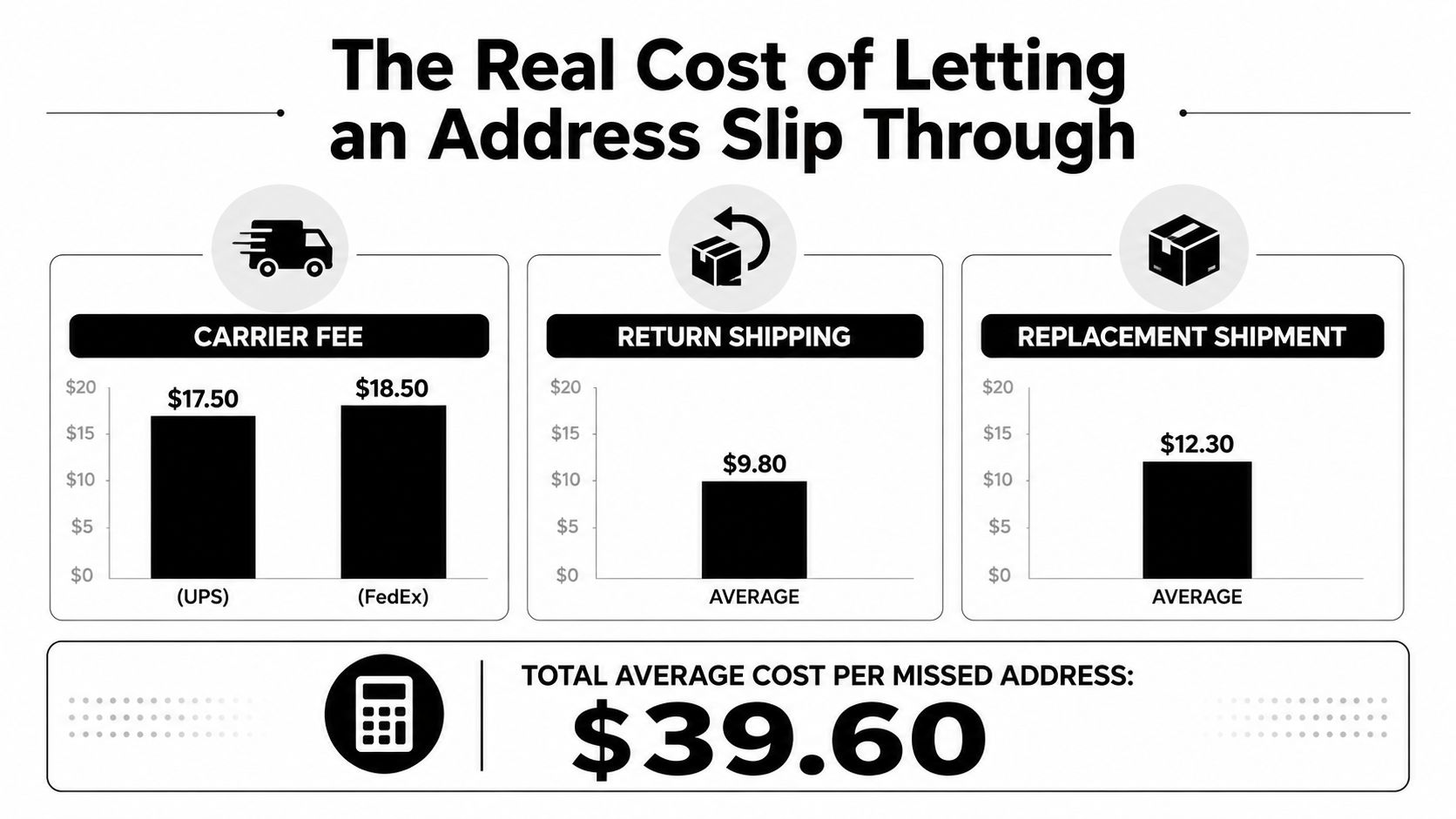
Failed deliveries add broader operational expense. A cited global study estimated $17.20 as the average cost per failed order and $197,730 per year for retailers. Those figures cover failed deliveries generally, not every wrong-address case, so treat them as category-level warning signs rather than a forecast for one store. (Failed-delivery cost data)
Where the money disappears
- Correction handling: A carrier exception can create a direct fee and extra tracking work.
- Return movement: A returned parcel uses transport capacity and staff time.
- Replacement fulfillment: A second shipment adds packaging, postage, and warehouse labor.
- Support duplication: Agents answer the original request, then manage the failed delivery or replacement.
The decision rule is simple: correct the order before fulfillment whenever the workflow still allows it. Self-serve editing can reduce preventable reships and tickets, while support still handles locked orders, carrier exceptions, and verification concerns. Measure those avoided events against the tool's cost instead of assuming the tool pays for itself.
Why Shipping Address Changes Are Also a Fraud Signal
A request to update a shipping address deserves service and scrutiny. Treating every request as harmless convenience creates an avoidable opening for account takeover, impersonation, and unauthorized rerouting.
A legitimate customer may notice a typo immediately after checkout. A bad actor may gain access to the account, contact support from a different channel, and redirect an expensive order to a freight forwarder, reshipper, or unfamiliar destination. The request itself isn't proof of fraud, but the combination of a destination change and a weak verification process is a serious control failure.
Signals that deserve review
- Destination shift: A different country or an unfamiliar delivery region should trigger manual review.
- Customer mismatch: A request from a new email, phone number, or social channel doesn't match the order's original contact data.
- Payment inconsistency: A new payment method, an address mismatch, or failed verification increases the reason to pause.
- Timing and order context: A large or unusual order followed by an immediate destination change deserves more scrutiny than a minor typo correction.
Use layered checks instead of blocking all edits:
- Re-authenticate against the original customer account or contact method.
- Compare the shipping request with payment and address-verification results.
- Require email confirmation for suspicious changes.
- Apply stronger authentication when the request changes risk materially.
- Hold the order while a human reviews the exception.
Independent security guidance on shipping-address-change scams recommends verifying changes through the original contact method, resetting compromised passwords, and using two-factor authentication when an edit looks suspicious. Convenience should remain available for normal corrections, but eligibility rules must leave room for a hold.
A Quick Decision Checklist for the Next Address Change
Use this sequence when the next “wrong address” request arrives. It keeps the agent from editing first and asking operational questions later.
Confirm the order. Match the order number, customer identity, original email, and requested destination. Don't act on a message that can't be tied cleanly to the order.
Check fulfillment status. Is the order unfulfilled, partially processed, packed, labeled, manifested, or in transit? The status determines whether Shopify, the warehouse, or the carrier has control.
Choose the editing route. For an eligible unfulfilled order, use the admin edit or send a controlled self-serve edit link. A self-serve route is appropriate only when the merchant's rules permit address changes and the order can be held safely.
Validate the new fields. Require the full street address, apartment or unit, city, region, postal code, and country. Don't accept a partial correction when the missing fields could cause another delivery failure.
Run the risk check. Compare the request with the original payment details and contact method. A destination change alone isn't a fraud verdict, but a change combined with account or payment irregularities should move the order to review.
Apply the change before fulfillment. Save the corrected address, confirm that the fulfillment record reflects it, and release the hold only after the warehouse has the new data.
Escalate after the hard stop. If a label has already been purchased, contact the carrier about an eligible intercept or address-change flow. If the package is in transit, prepare for the possibility of refusal, return, and reshipment rather than promising a reroute.
Log the decision. Record who requested the change, how the customer was verified, what changed, when the order status was checked, and whether a carrier or warehouse exception was opened.
Operational rule: If the customer catches the mistake within ten minutes of checkout and the order is still unfulfilled, a controlled self-serve edit link should be the first option, not a support queue.
The workflow should also distinguish a simple typo from a destination substitution. A wrong apartment number on an unfulfilled order is usually an address-quality problem. A sudden country change, unfamiliar recipient, or mismatched contact request is a risk decision and may require approval.
Merchants should review these logs regularly. Look for repeated incomplete addresses, recurring warehouse timing conflicts, and edits that arrive through channels unrelated to the original order. Those patterns tell you whether the fix belongs in checkout validation, customer-account design, fulfillment timing, or fraud controls.
Mayra Apps gives Shopify merchants a controlled way to let customers edit eligible orders, including shipping addresses, through the customer account and order status page while applying merchant-defined windows, permissions, approvals, and fulfillment holds. Visit Mayra Apps to set up a post-purchase workflow that catches address mistakes before they become carrier exceptions and support tickets.