
You're in the middle of a support thread that could go either way. The customer is upset, the item is wrong, and someone on your team is tempted to click the fastest refund button and move on. That shortcut feels efficient, but a Shopify partial refund is rarely just a customer-service gesture. It's a financial decision, a record-keeping event, and sometimes the document that decides how cleanly you can defend the order later.
Table of Contents
- Why Partial Refunds Are Better Than Full Returns
- Issuing a Partial Refund for Specific Items
- Understanding Payment Splits and Transaction Status
- The Hidden Risk of Chargebacks After Partial Refunds
- Automating Refunds with Post-Purchase Edit Apps
- Best Practices for Managing Partial Refunds
Why Partial Refunds Are Better Than Full Returns
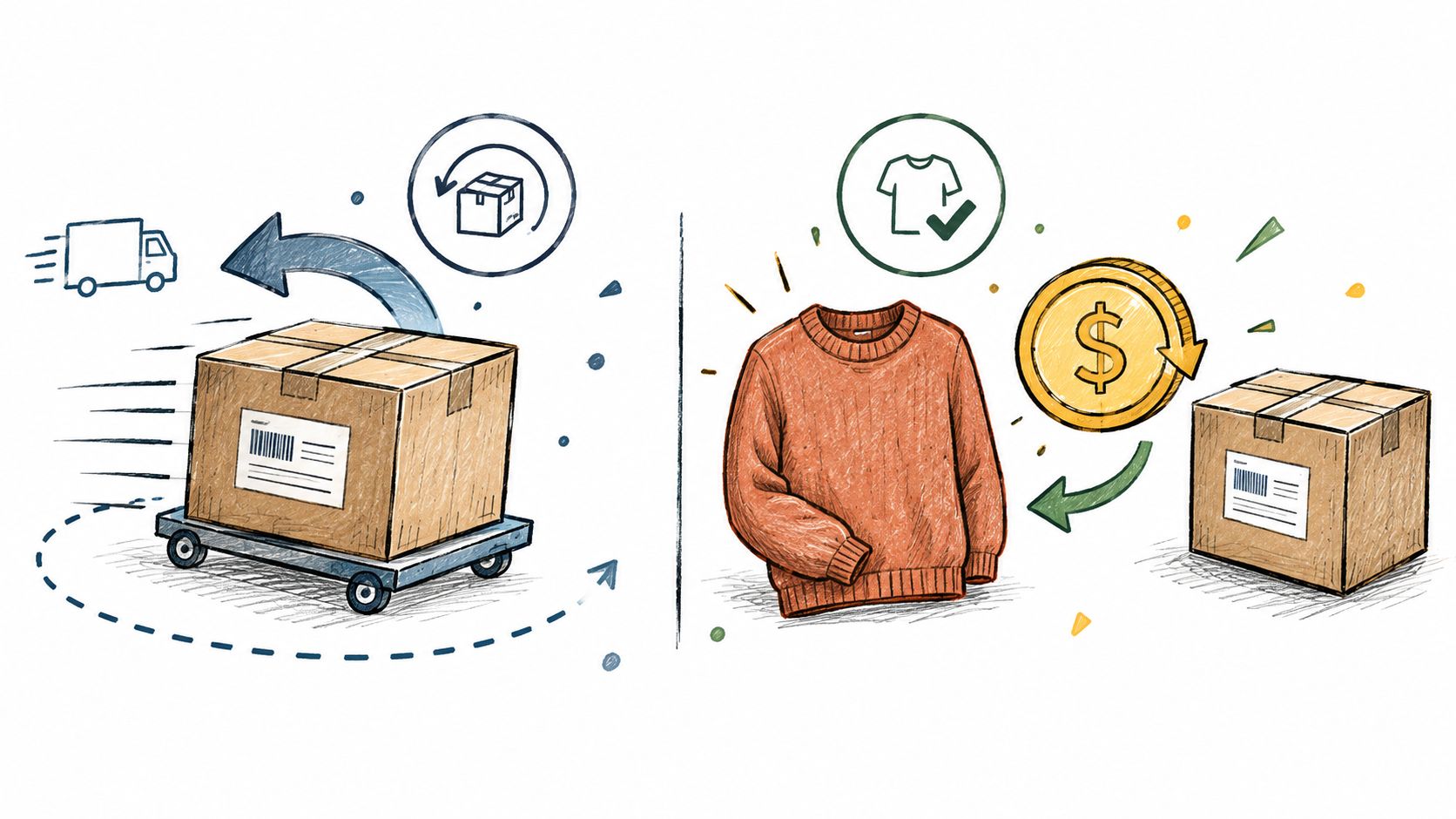
A wrong-size shirt doesn't always need a full refund. If the customer is willing to keep the item at a discount, or only one product in a larger order is defective, a partial refund protects more revenue and keeps the relationship intact. That's the practical advantage many overlook when they default to a full return.
Keep the sale when the fix is narrower than the problem
A full refund wipes out the entire order, even when the issue only touches part of it. A partial refund lets you correct the bad piece and leave the rest of the transaction alone, which matters most when the customer still wants the order. Tagada's glossary on partial refunds is a useful plain-language reference if you need a clean definition to align support, finance, and CX on the same page.
Practical rule: if the customer is still willing to keep part of the order, start by asking what amount would resolve the issue before you assume the whole ticket needs a full reversal.
That mindset matters because Shopify treats partial refunds as part of the same order record, not as a separate cleanup exercise. The order status changes to Partially refunded, and that status gives your team a visible marker that the case isn't fully closed yet. It's a good operational cue because the remaining balance still exists until you explicitly clear it.
That also changes how you think about the workflow. You're not just “giving money back.” You're reconciling what was shipped, what was kept, and what still needs documentation in case the customer comes back with a dispute.
Issuing a Partial Refund for Specific Items
The Shopify admin is where the decision gets recorded, so start there. Open the order, choose Refund, and work from the line items instead of trying to guess at a blanket amount. The order details page is the source of truth, which is why the refund should be entered against the actual order, not tracked in a side note or spreadsheet.
Select the item, not the whole order
When the refund screen opens, you'll see the items on the order and the remaining refundable balance. Enter the quantity you're refunding for the specific line item, then adjust shipping, taxes, duties, or fees only if they truly belong in the correction. Shopify's native workflow is built around that kind of item-level reconciliation, and the resulting refund record keeps the financial decision attached to the order itself, as described in refunding orders in Shopify.
A good operator checks the remaining refundable balance before confirming anything. That simple pause prevents the easy mistake of refunding more than the customer paid, especially when multiple staff members handle the same case over chat, email, and phone. It also keeps the Shopify admin aligned with what finance will later reconcile.
The best habit here is to treat the refund as the final step, not the starting point. Confirm the exact line items, confirm whether restocking is appropriate, then submit the refund only once the numbers are right.
Operational note: don't close the ticket the moment you click refund. Close it after the refund record matches the order and the customer-facing communication is logged.
If you need a broader walkthrough of the native flow, this Shopify refund guide from Mayra is a practical companion, especially for teams that handle both item swaps and post-purchase corrections.
Understanding Payment Splits and Transaction Status
Refunds get more complicated as soon as an order touches more than one payment method. Shopify's model is transaction-based, so a refund may need to split across the original payment sources instead of landing as one simple reversal. That matters in Shop Cash orders, where Shopify can divide a partial refund between the customer's Shop Pay payment method and the Shop Cash balance.
Don't confuse the refund record with completed payment
Shopify is explicit that a refund record is a financial record, not proof that the customer has already received the money. The associated order transaction still has to move through its status states, which can be pending, processing, success, or failure. That's why support should treat the refund object as an action taken, not an outcome completed. For the native mechanics, Shopify documents the transaction flow in Shop Cash refunds, returns, and exchanges, and that same logic applies to how you read settlement in the admin.
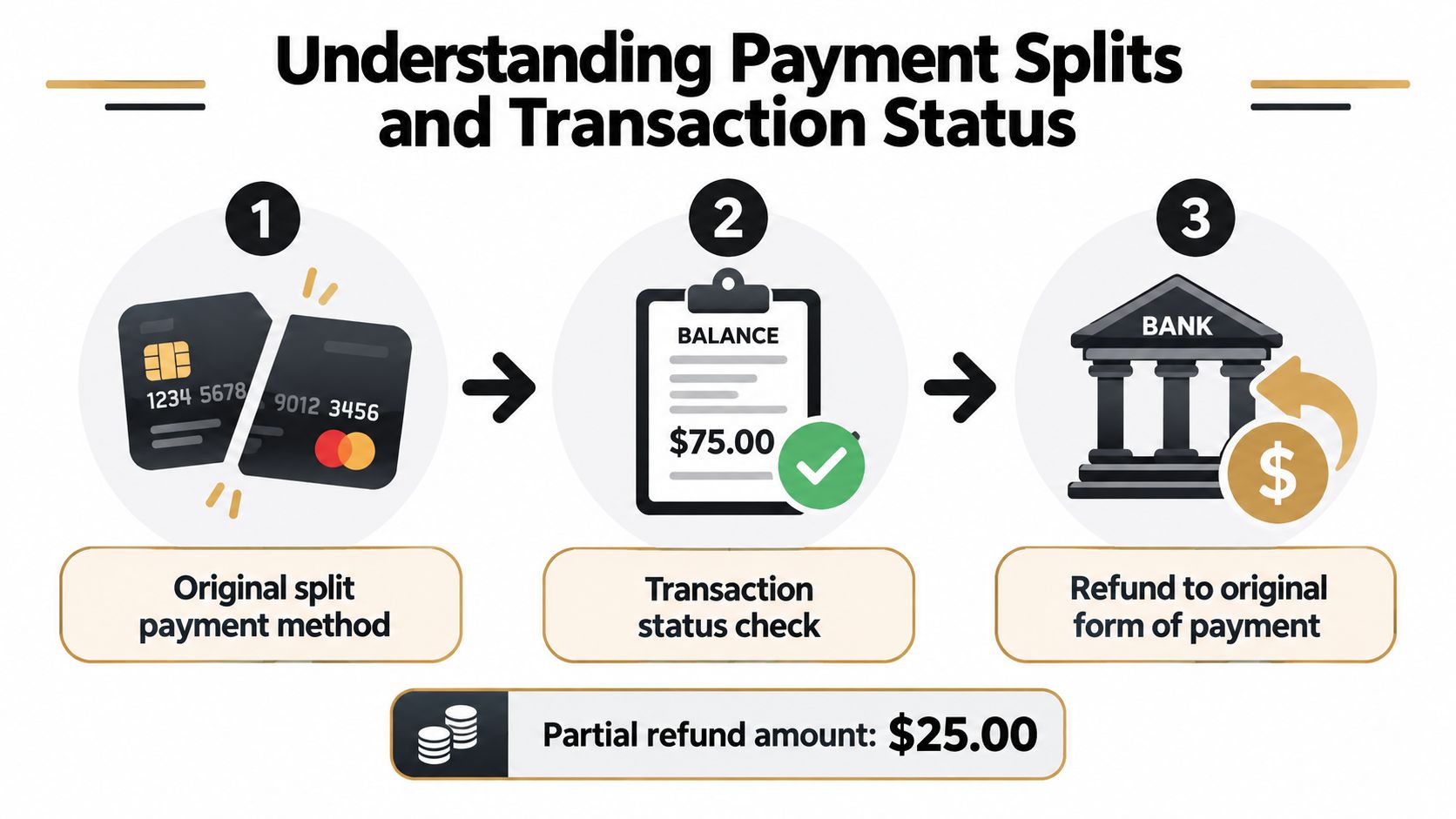
Partial refunds to Shop Cash are especially sensitive because Shopify says those refunds can't be reversed after processing. That makes the initial decision feel less like a customer-service courtesy and more like a final financial move. If your team is used to treating refund completion as obvious once the button is clicked, that is where errors start.
Track settlement like an audit trail
The practical fix is simple. Don't mark the case closed until transaction status shows success, and don't assume a refund record means the payment hit the customer. The native refund resource on Shopify's developer docs spells out that the refund record contains the refunded amounts and optional inventory-restocking instructions, while the order transaction status determines whether the money settled, as shown in the Shopify refund resource.
This payment-request workflow example is useful if you need to think about refunds and post-purchase adjustments together, because the same reconciliation discipline applies on the way in and on the way out.
The Hidden Risk of Chargebacks After Partial Refunds
A partial refund feels like compromise, but it doesn't end the dispute. Shopify warns that a customer can still initiate a chargeback for the full original order value after receiving part of the money back. That's the detail many “how to refund” guides skip, and it's the reason a refund should be treated as evidence work, not just damage control.
What to save the moment you refund
If the customer disputes the order later, the merchant may be debited for the full order value and then need to prove what happened. The evidence set should include the refunded amount, the refund date, the Acquirer Reference Number, and the customer communication history. Shopify's chargeback guidance explains the evidence expectations in resolving chargebacks, and that documentation should be gathered immediately, not reconstructed weeks later.
A partial refund can reduce friction with the customer and still leave you exposed in the bank dispute channel.
That's why finance and support need the same case notes. If one team assumes the dispute is settled and the other team still sees unresolved exposure, the merchant ends up with a false sense of closure. The issue is even more delicate when an order uses multiple payment instruments, because the original payment split can complicate both the refund path and the evidence trail.
Build a post-refund checklist
A clean checklist avoids the most common failure mode, which is assuming the case is done because money left your side. Keep the refund confirmation, the order notes, the customer's complaint, and any photos or tracking details tied to the order. Then, if a chargeback lands later, your team isn't starting from zero.
For operators who want a deeper accounting lens on dispute handling, Loopfour's chargeback accounting article is a useful companion piece. It pairs well with the Shopify guidance because both make the same core point, refunds and chargebacks are related, but they are not the same event.
Automating Refunds with Post-Purchase Edit Apps
Manual refunds work fine when volume is low and every case is unusual. They break down when customers are making the same kinds of corrections over and over, because each ticket still needs an operator to open the order, review the history, and process the adjustment. That's where post-purchase edit tools become operationally useful.
Manual control versus self-serve edits
The manual route gives you tight control, but it also puts every refund in a human queue. A self-serve edit flow lets customers adjust quantities, swap items, or trigger post-purchase changes inside their account, while the underlying order still writes back to Shopify. Mayra Order Edit and Upsell App is one option in that category, and it supports self-serve editing directly in customer accounts and the order status page, with refunds awaiting approval above merchant-defined thresholds.
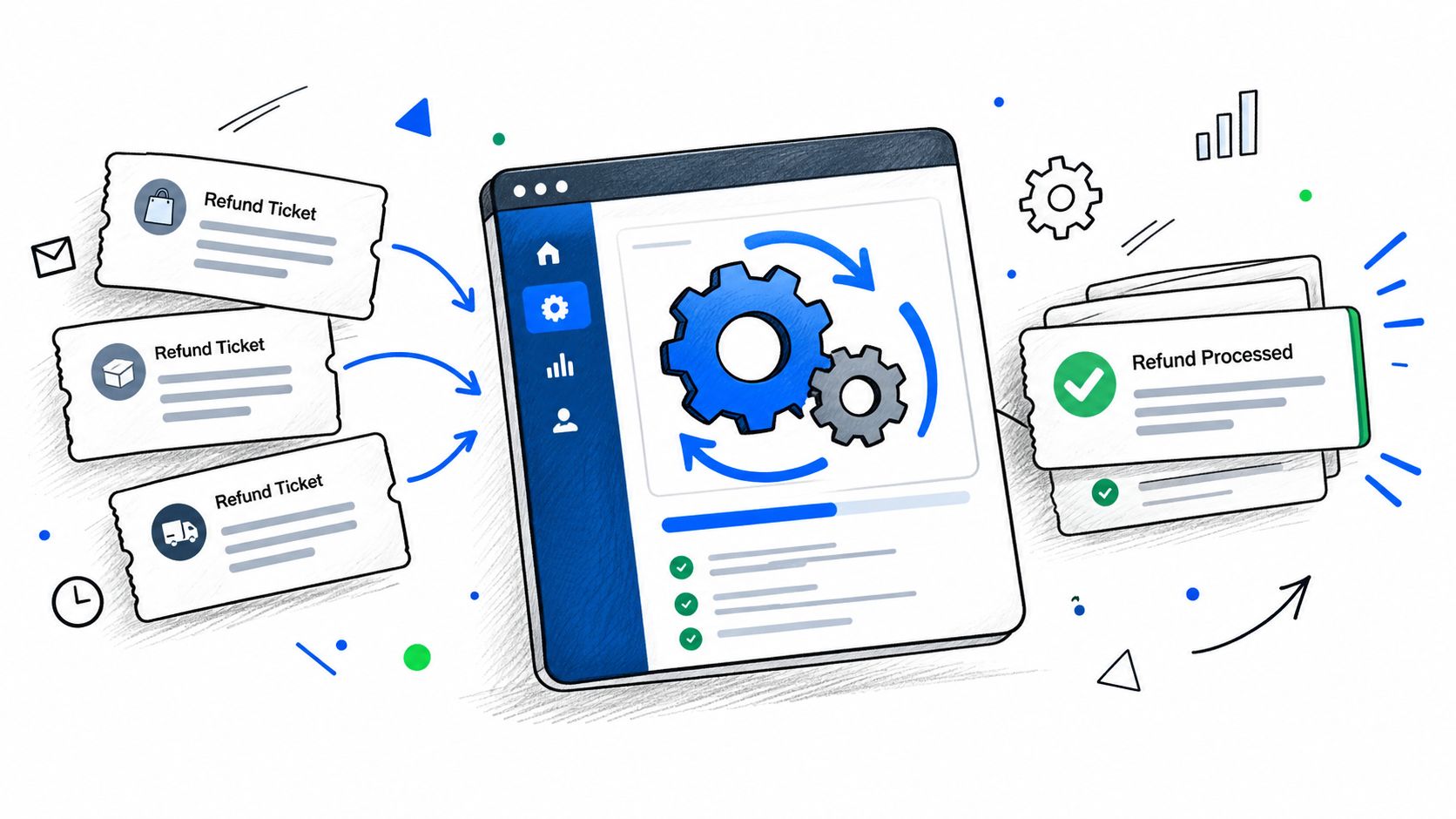
That kind of setup changes who does the work. Instead of support triaging basic correction requests, the customer handles the edit, and the merchant only reviews cases that cross a threshold or need approval. The practical value is less about novelty and more about keeping the refund logic attached to the original order record.
What automation should and shouldn't do
Automation should calculate the adjustment cleanly, preserve the settlement trail, and reduce repetitive ticket handling. It should not hide the refund behind opaque logic or bypass approval where the merchant wants a review. Mayra's order editing app guide is a useful comparison point if you're evaluating how different post-purchase tools handle edits, approvals, and refund processing.
The best tools don't replace policy. They enforce it consistently.
Best Practices for Managing Partial Refunds
The most reliable partial-refund programs are boring in the best way. They use the same criteria every time, they keep their records tight, and they don't let support improvise. That discipline matters because the refund is part customer experience and part financial control.
Build rules before you need them
Define the situations where a partial refund makes sense, such as a damaged item, the wrong variant, or a shipping overcharge. Then train support to check the remaining refundable amount before processing anything, because over-refunding is usually a process failure, not a fraud event. Document the reason for every refund in the order notes so you can connect the action to later chargeback evidence if needed.
A useful internal rule is to separate “goodwill” from “correction.” Goodwill credits can help save a customer relationship, but correction-based refunds should always point back to a specific problem in the order. That distinction makes reporting cleaner and stops the team from treating every complaint the same way.
Review patterns, not just tickets
Refund logs can tell you where the friction is. If the same SKU keeps surfacing in partial-refund cases, the issue may be sizing, product quality, packaging damage, or a fulfillment problem. The refund itself is only the symptom, and the pattern is what should change.
A simple operating checklist helps:
- Verify the remaining balance before each refund, so the total never exceeds what's left on the order.
- Log the reason and communication, so support and finance can trace the decision later.
- Check transaction status, so the case isn't marked complete before settlement succeeds.
- Restock only when the item is resellable, because damaged inventory shouldn't re-enter stock unnoticed.
Treating Shopify partial refund handling as a formal audit step keeps revenue loss from hiding inside routine support work. It also gives the customer a faster resolution without surrendering control of the record.
If you want tighter control over post-purchase edits, refunds, and approvals inside Shopify, Mayra Apps builds tooling for that workflow. Visit Mayra Apps to see how its order editing and refund handling fits into a cleaner operations process.