
How to Offer Store Credit on Shopify
A practical guide to offering store credit on Shopify: the native store credit feature, gift cards and apps, how to issue it, and how to make it the automatic offer when a customer cancels.
- Store credit
- Refunds
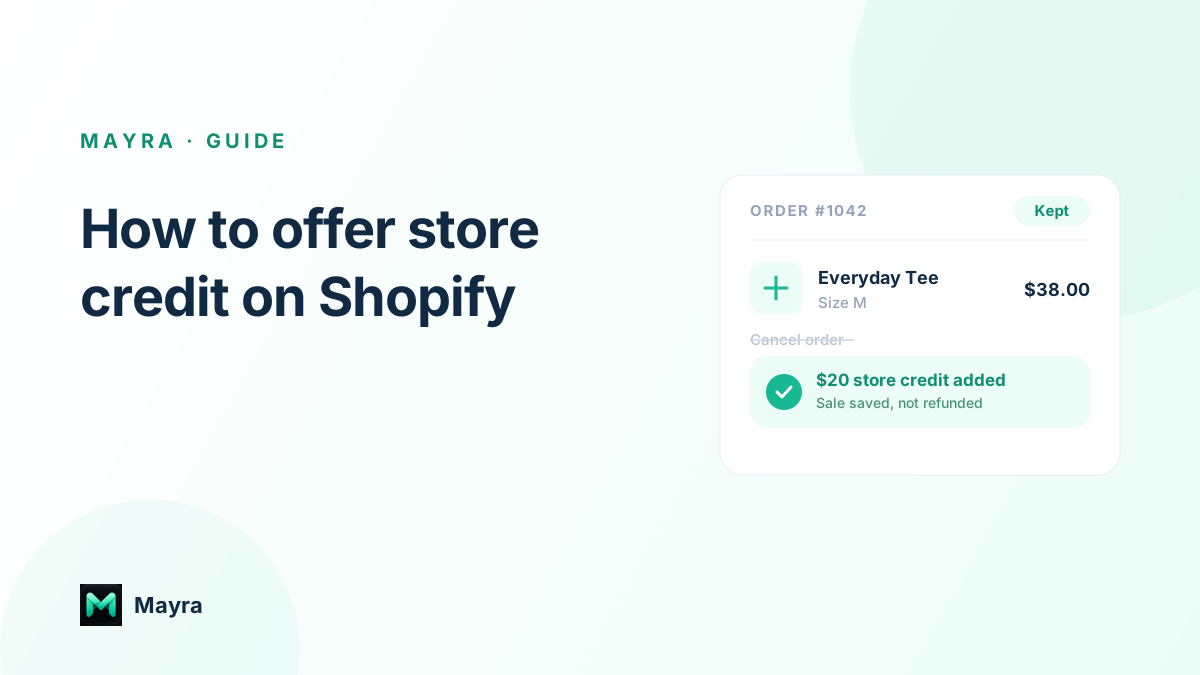
Every refund is money leaving your business for good. Store credit is the alternative that keeps the revenue in your store and gives the customer a reason to come back. Shopify now supports store credit natively, so offering it is easier than it used to be. This guide covers what store credit is on Shopify, the different ways to give it, how to issue it, and the one change that makes it actually move the needle: offering it automatically at the moment a customer tries to cancel.
What store credit means on Shopify
Store credit is a spendable balance tied to a customer's account. You issue it, the customer redeems it at checkout when they are signed in, and the value stays inside your store. Shopify has a native store credit feature: you add credit to a customer from their profile in admin, and they spend it through Shopify's customer accounts. It is worth knowing how it differs from the two things merchants often reach for instead.
- Store credit is tied to one customer's account and redeemed when they are signed in. That one-to-one link is what makes it the right tool for refunds and cancellation offers.
- Gift cards are transferable codes anyone can spend. Great for gifting and promotions, less natural as a refund alternative because they are not bound to the customer.
- Discount codes reduce the price of a future order but hold no real balance and are easy to share, so they leak value if you use them as a stand-in for credit.
The ways to offer store credit
There are three practical routes, and most stores end up using more than one depending on the situation.
- Native Shopify store credit. The cleanest option: issue credit directly to a customer's account from admin, no extra tooling. Best when you want credit that behaves like credit and redeems inside Shopify checkout.
- Gift cards. Useful when you want something the customer can forward or when native credit is not a fit, but remember the balance is not tied to the person.
- A store-credit, returns, or loyalty app. Adds automation, rules, and bonuses on top of the raw balance. This is where you move from issuing credit by hand to offering it at the right moment, automatically.
How to issue store credit manually
For a one-off, the native feature is quick. In Shopify admin, open the customer's profile, add store credit to their account, and enter the amount. When you process a return or a cancellation, you can hand back the value as store credit rather than sending cash to the original payment method. The customer then sees and spends the balance at checkout while signed in to their account.
When to offer store credit, and when not to
Store credit is the right call when the customer is not rejecting you, just this order: they changed their mind, ordered the wrong thing, or would happily buy something else. A cash refund is the right call when a customer is genuinely unhappy, a product arrived faulty, or they are legally entitled to their money back. Always keep the refund path open; forcing credit on someone who wants cash costs you a customer and a review. We go deeper on the trade-off in store credit vs refund on Shopify.
How much of a bonus to add
A small bonus makes credit clearly more attractive than a refund. A common range is 5% to 15% of the order value. On a $200 order, a 10% bonus is $20 of future credit, set against $200 of revenue you would otherwise refund out of the business. These are illustrative numbers, not a promise, but the shape holds: the incentive costs a fraction of the sale you keep.
The highest-value moment: at cancellation
Here is the part that matters most. Issuing store credit by hand from admin does not scale, and it always happens after the customer has already decided to cancel and asked for their money back. The leverage is to present the offer at the exact moment a customer tries to cancel, before the refund is a foregone conclusion. That is cancellation deflection: intercept the cancellation, offer store credit with a bonus, and keep the sale.
Mayra does this automatically. When a customer starts to cancel an eligible order, it can present a store-credit save-offer with a bonus you choose, a monthly budget cap, and an expiry, so the customer keeps the order or takes credit instead of a cash refund, with no agent touching the order. The full playbook is in cancellation deflection on Shopify.
Keep it fair: budgets, expiry, and transparency
Store credit only works long term if it is fair to both sides. Cap how much credit you issue per month so a good idea does not become an open-ended liability. Set a reasonable expiry. Show the value clearly, and never hide the refund option. Framed as a genuine choice with a small bonus, store credit feels like a perk; done deceptively, it is a fast way to lose trust.
Turn refunds you were about to issue into sales you keep
Offer store credit when it fits, keep a refund available when it does not, add a small bonus, and make the offer at the moment of decision rather than after it. That single shift, from issuing credit by hand to offering it automatically, is what turns store credit from a nice policy into real retained revenue.
Mayra brings store-credit save-offers, cancellation deflection, and self-serve order editing into one Shopify app. It is free for early users, and you can compare it with other order editing apps on the alternatives page.