
How to Reduce Order Cancellations on Shopify (Without Just Refunding)
Order cancellations don't have to end in refunds. Practical ways to reduce Shopify order cancellations, from smart edit windows to store-credit save-offers that keep the sale.
- Cancellations
- Retention
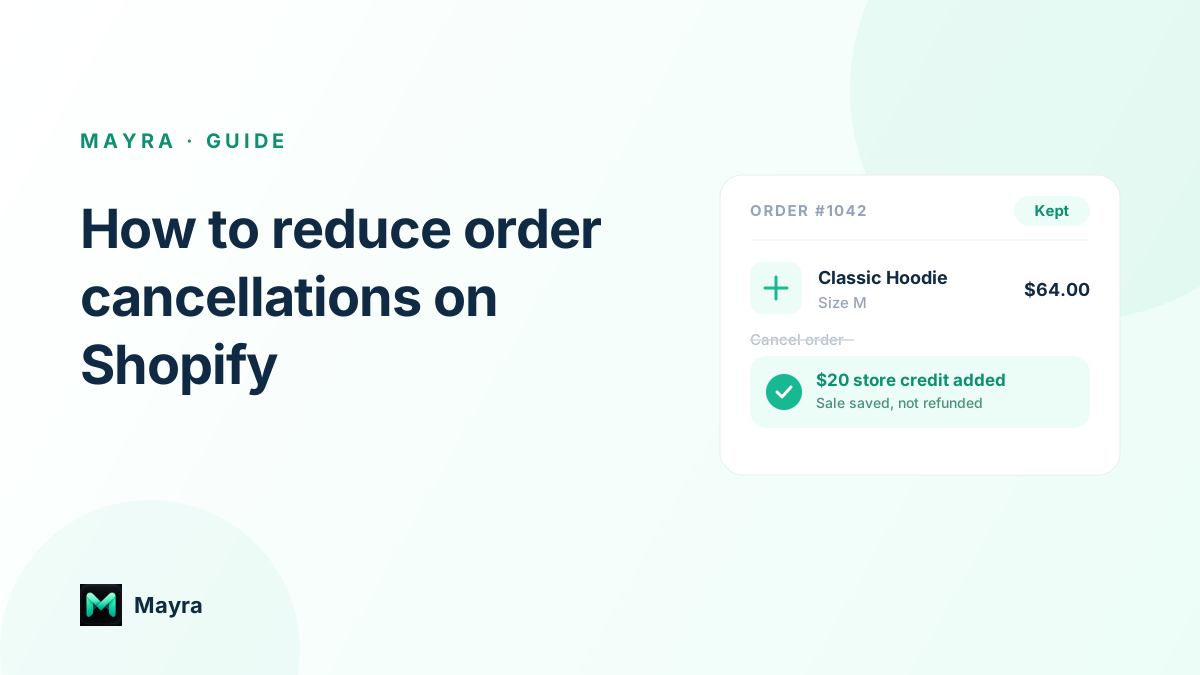
A cancelled order is expensive twice over. You refund a sale you already won, and you often lose a customer who was about to receive something they wanted. On Shopify, most cancellations aren't a hard no to your product. They're a reaction to a fixable problem: the wrong size, a typo in the address, a change of mind, or an order placed in a hurry. This guide covers practical ways to reduce Shopify order cancellations, and how to turn the ones you can't prevent into saved sales instead of refunds.
Why customers cancel Shopify orders
Before you can reduce cancellations, it helps to know what actually drives them. The most common reasons are surprisingly mundane:
- They ordered the wrong item, size, or variant.
- They made a typo in the shipping address or email.
- They changed their mind, or found it cheaper elsewhere.
- They want to add or remove something and think cancelling is the only option.
- They placed the order by accident, or bought a duplicate.
- Shipping is taking longer than they expected.
Notice how many of these are really edit requests in disguise. A customer who wants a different size doesn't want to cancel; they want a medium instead of a large. If the only self-serve button you give them is cancel, that's the button they'll press.
1. Let customers fix the order instead of cancelling it
The single biggest lever is giving customers a way to change their order themselves, before it ships. When a shopper can swap a variant, update the address, adjust a quantity, or add an item without emailing support, a large share of would-be cancellations simply become edits. The order, and the revenue, stays intact.
This is exactly what self-serve order editing does: it lets your customers correct their own orders from their Shopify account, within rules you set. Fewer support tickets, fewer refunds, and a better experience for the shopper.
2. Set a smart edit and cancellation window
You don't want orders changing after they've been picked and packed. A time-based window solves this: allow edits and self-serve cancellation for a set period after checkout, say 30 minutes to a few hours, or until fulfillment begins. Inside the window, customers help themselves; outside it, the order is locked.
A countdown that shows the customer how long they have left adds gentle urgency and sets clear expectations, so they act quickly rather than reaching for support.
3. Offer store credit to save the sale (cancellation deflection)
Some customers will still choose to cancel. This is the moment most stores simply issue a refund and move on. There's a better option: at the point of cancellation, offer store credit to keep the order instead.
This is called cancellation deflection. When a customer starts to cancel, you present a small incentive, for example a store-credit bonus worth a percentage of the order, in exchange for keeping it. Instead of money leaving your business, it stays in your ecosystem, and the customer has a reason to come back.
The economics usually favour it. A 10% store-credit bonus on a $200 order costs you $20 of future credit, far cheaper than losing the full $200 sale and the customer. Mayra's cancellation deflection lets you set the bonus percentage, cap your monthly spend, and set an expiry, so the offer is compelling without being open-ended.
4. Capture the cancellation reason so you can fix the pattern
Every cancellation is a piece of feedback. Ask for a reason before the cancellation completes, and you'll quickly see patterns: a product that's cancelled often may have a sizing or description problem; a spike in address changes may mean your checkout isn't validating addresses well.
Fixing the upstream cause, clearer sizing, better product photos, address validation, prevents the next batch of cancellations before they happen.
5. Make store credit vs refund a deliberate choice
When a change lowers an order's total, or a customer is set on returning something, how you hand the money back matters. A cash refund leaves your business; store credit stays in it. Offering store credit, often with a small bonus, as the default, with a refund as the fallback, keeps more revenue and more customers without feeling punitive.
The same logic applies to exchanges: swapping a customer into a different variant keeps the sale, where a refund ends it.
6. Reduce the causes before checkout
Prevention beats deflection. A few upstream fixes quietly lower your cancellation rate:
- Show accurate delivery estimates, so fewer people cancel over a slow-shipping worry.
- Add clear sizing charts and detailed product info to cut wrong-item orders.
- Validate shipping addresses at checkout to prevent address-error cancellations.
- Make your return and exchange policy easy to find, so customers don't cancel out of uncertainty.
How much can you actually reduce cancellations?
There's no universal number, and you should be sceptical of anyone who promises one. What you can measure is your own store: the share of cancellations that turn into edits, the orders saved by a store-credit offer, and the reasons behind the rest. Track those and you'll know exactly which of these tactics is working for you.
Can you stop customers from cancelling Shopify orders?
You can't force a customer to keep an order, but you can sharply reduce cancellations. Most cancellations are fixable requests, wrong size, wrong address, a quantity change, so letting customers edit their own order, offering store credit to keep the sale, and fixing upstream causes like sizing and delivery estimates all lower the rate.
What is cancellation deflection?
Cancellation deflection is the practice of presenting an incentive, usually store credit, at the moment a customer tries to cancel, so they keep the order instead of taking a refund. On a $200 order, a 10% credit bonus costs you $20 of future credit rather than the full sale.
How long should a Shopify cancellation or edit window be?
Match it to your fulfillment speed. Same-day shippers often use 30 minutes to a couple of hours; stores that ship in a few days can allow up to 24 hours or until fulfillment starts. The goal is to catch edits and cancellations before the order is picked.
Turn cancellations into kept sales
Cancellations aren't a fixed cost of running a Shopify store. Give customers a way to fix their orders, set a sensible edit window, offer store credit to save the ones who still want to cancel, and fix the causes upstream. You'll refund less, keep more customers, and spend less time in your support inbox.
Mayra brings self-serve order editing, cancellation deflection with store credit, and post-purchase upsells together in one Shopify app. It's free for early users, and you can see how Mayra compares to other order editing apps.