
A customer orders a hoodie in the wrong size at 11pm. She spots the mistake the next morning, finds no way to change the order, and emails support. Nobody replies until the afternoon, when the parcel is already on a van. Three weeks later it comes back as a return, and the refund costs the outbound shipping, the return label, and most of her confidence in the store.
That sequence runs in thousands of stores every week, and it shows up directly in repeat-purchase numbers. An analysis of more than 156,000 direct-to-consumer customers reported an average repeat-purchase rate of 18.8%, implying that roughly 81% of customers didn't place a second order (Shopify's retention analysis). Acquisition doesn't get easier either: 91.6% of surveyed online shoppers abandoned a cart in 2025, with 30.1% citing unexpectedly high total costs from shipping (Digital Commerce 360). A store that paid to win the first order and then loses the customer over a wrong address made a choice, not a mistake.
The nine strategies below work inside the post-purchase window, from the minute an order lands to the week after it arrives. Each one keeps the original order intact, adds to it, or preserves the relationship when something goes wrong. A second order is where customer value starts to compound, which is why the arithmetic of quanto valgono i clienti nel tempo matters more than any single conversion rate.
Table of Contents
- 1. Self-Service Post-Purchase Order Editing
- 2. Cancellation Save Flows with Store Credit Offers
- 3. Post-Purchase Product Recommendations and Upsells
- 4. Loyalty and Rewards Programs
- 5. Proactive Order Tracking and Delivery Communication
- 6. Frictionless Returns and Exchanges
- 7. Automated Post-Purchase Email Flows
- 8. Subscription and Replenishment Programs
- 9. Responsive Customer Support and Self-Service Help
- How the nine ecommerce retention strategies compare
- Building One Retention Routine From Nine Tactics
1. Self-Service Post-Purchase Order Editing

Most order mistakes surface within minutes of checkout, not days. A customer picks the wrong variant, types the wrong apartment number, or orders three when they meant one. Self-service editing lets them fix it without a ticket: quantity, variant, shipping address, removing a line, or adding something to the same order, all inside a window you define.
The Shopify order editing guide walks through how these flows are built. The retention argument is simpler than the mechanics. Every correction a customer completes alone is a support thread that never opens and a cancellation that never gets requested. Shoppers who can fix a small mistake themselves rarely turn it into a refund.
Settings that keep the warehouse sane
- End the window before your fulfillment cut-off. A two-hour window on same-day dispatch beats a 24-hour window that collides with picking.
- Gate the risky SKUs. Engraved, made-to-order, or hazmat items belong behind approval, not instant changes.
- Auto-approve the small stuff. Let minor changes through instantly and route refunds above a set threshold to your team, so volume never means vigilance.
- Write every change to the order timeline. Order tags and timeline entries mean an ops lead can audit each edit without watching an inbox.
- Read the edit log monthly. What customers try to change tells you which product page or size chart is failing.
Say a customer realizes at 9am that her boots are half a size too small. She swaps the size on the order status page, sees the price difference before confirming, and the order ships correct that afternoon. No ticket, no return, no refund.
The same window carries a second win. A customer who adds a care kit to an existing order avoids a second shipping charge, and you avoid a second order that carries its own acquisition cost.
2. Cancellation Save Flows with Store Credit Offers
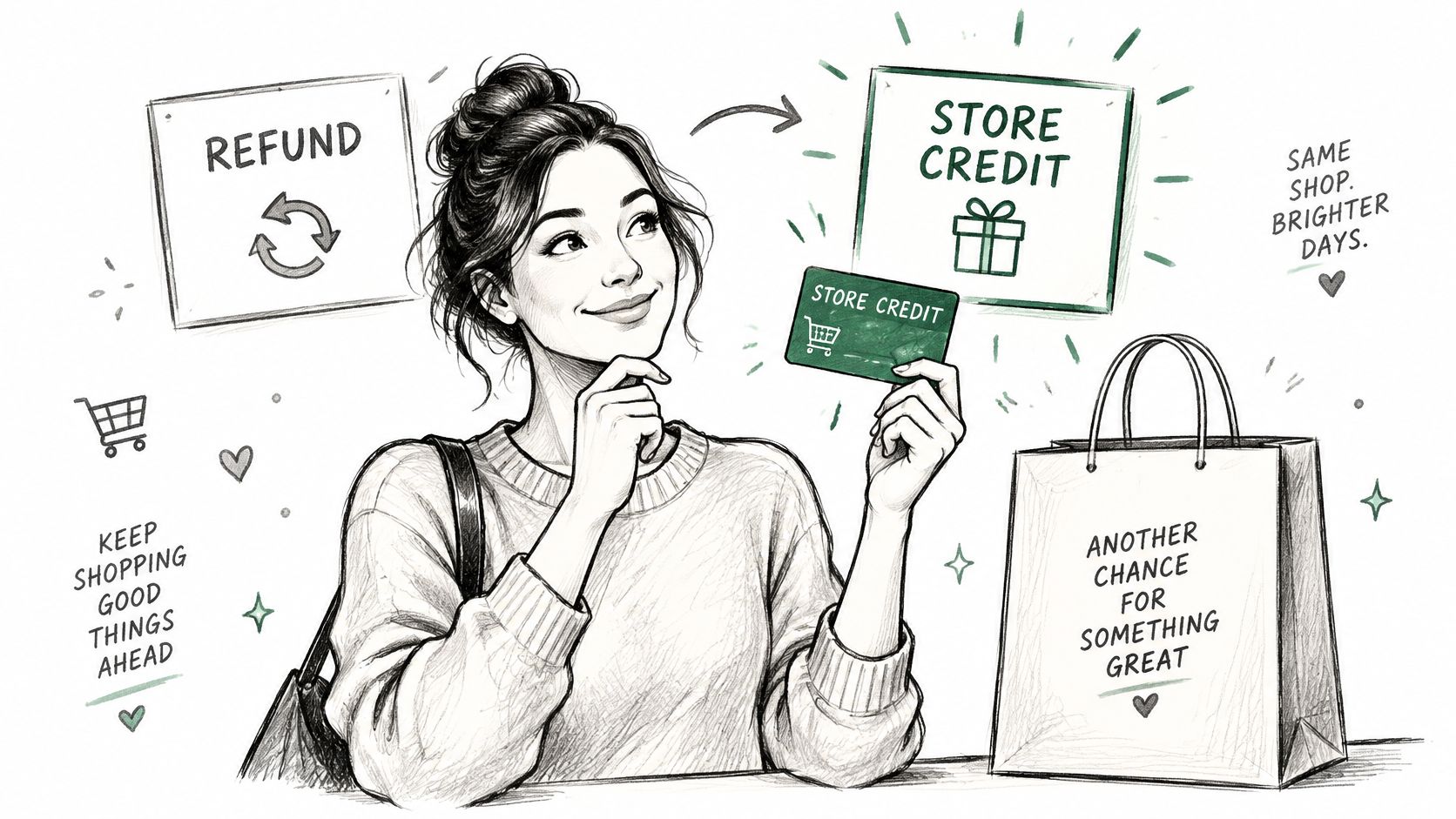
A cancellation request isn't always a lost customer. It's a signal, and often a fixable one: the delivery estimate slipped, the size chart misled them, or they found the same item cheaper elsewhere. A save flow collects the reason first, then puts one alternative in front of the customer before the refund button does its work.
The mechanics are plain. The customer clicks cancel, picks a reason from a short list, and sees an offer: keep the order and take store credit worth the order value plus a bonus percentage. Decline it and the refund proceeds normally. Money only stays in the store when the customer actively chooses it.
Offer design that doesn't feel like a trap
- Offer credit only at the cancellation step. A discount pop-up on every page trains people to abandon carts for coupons; a save offer addresses a real objection.
- Never hide the refund. If cancelling requires a support ticket or a phone call, you've created a trap, and customers talk about traps.
- Follow the reason data. If "delivery too slow" dominates for one product, the fix is a shipping promise, not a bigger bonus.
- Set expiry at 60 to 90 days. Long enough to feel fair, short enough that the balance gets used.
Margin check: size the bonus so the saved order still clears your target after the credit is redeemed. A 10% bonus on a 60% margin item is cheap. The same bonus on a 20% margin item is a slow leak.
The cancellation deflection with store credit playbook digs into thresholds and offer caps. The common failure is running this as a discount program. It isn't one. It's a short conversation about why the order stopped making sense, with a reason code attached so you can fix the cause.
3. Post-Purchase Product Recommendations and Upsells
The order status page is the most underused merchandising surface in ecommerce. The customer is already committed, already logged in, already thinking about the product they just bought. Showing one relevant item there costs nothing in acquisition spend.
Personalization at this stage has real backing: 56% of consumers become repeat buyers after a personalized experience, and McKinsey estimates effective personalization can lift ecommerce revenue by roughly 10 to 15% while cutting acquisition costs by up to 50% (ecommerce personalization statistics). What separates a useful post-purchase offer from a nuisance is eligibility logic. Rules first, ranking second.
- Cap it at one or two items. A grid of twelve turns a confirmation page into a storefront and kills the effect.
- Use related-product logic for considered purchases. Best sellers work for consumables; a $400 machine needs the accessory that goes with it, not your top-selling t-shirt.
- Suppress anything already in the order. Recommending a second identical item reads as a system that isn't paying attention.
- Switch it off when fulfillment is in trouble. A delayed shipment is not a moment to upsell.
Say a customer buys a beginner espresso machine, then edits the delivery address on the order status page. On the confirmation screen she sees a descaling kit and a tamper sized for that model. She adds one to the same order, pays the difference through the same checkout, and the parcel ships as one shipment.
Timing matters more than the algorithm. Offers shown during an edit or right after a confirmed change land while the customer is still focused on the order. The same offer emailed three days later competes with everything else in an inbox.
4. Loyalty and Rewards Programs
Loyalty programs are close to universal on the retail side and still uneven in how well they perform. Salesforce research covering 1,700 retail decision-makers across 21 countries found 67% of retailers run a loyalty program, with another 29% planning to launch one within 24 months (loyalty program statistics). Shoppers have already joined: 77% belong to at least one program and the average shopper belongs to four.
That last number is the constraint. You aren't competing for enrollment, you're competing for the redemption moment. In 2025, 65% of surveyed consumers named a competitor's better or higher-value loyalty program as a compelling reason to switch brands or retailers (Shopify churn analysis).
Design for usage, not headcount
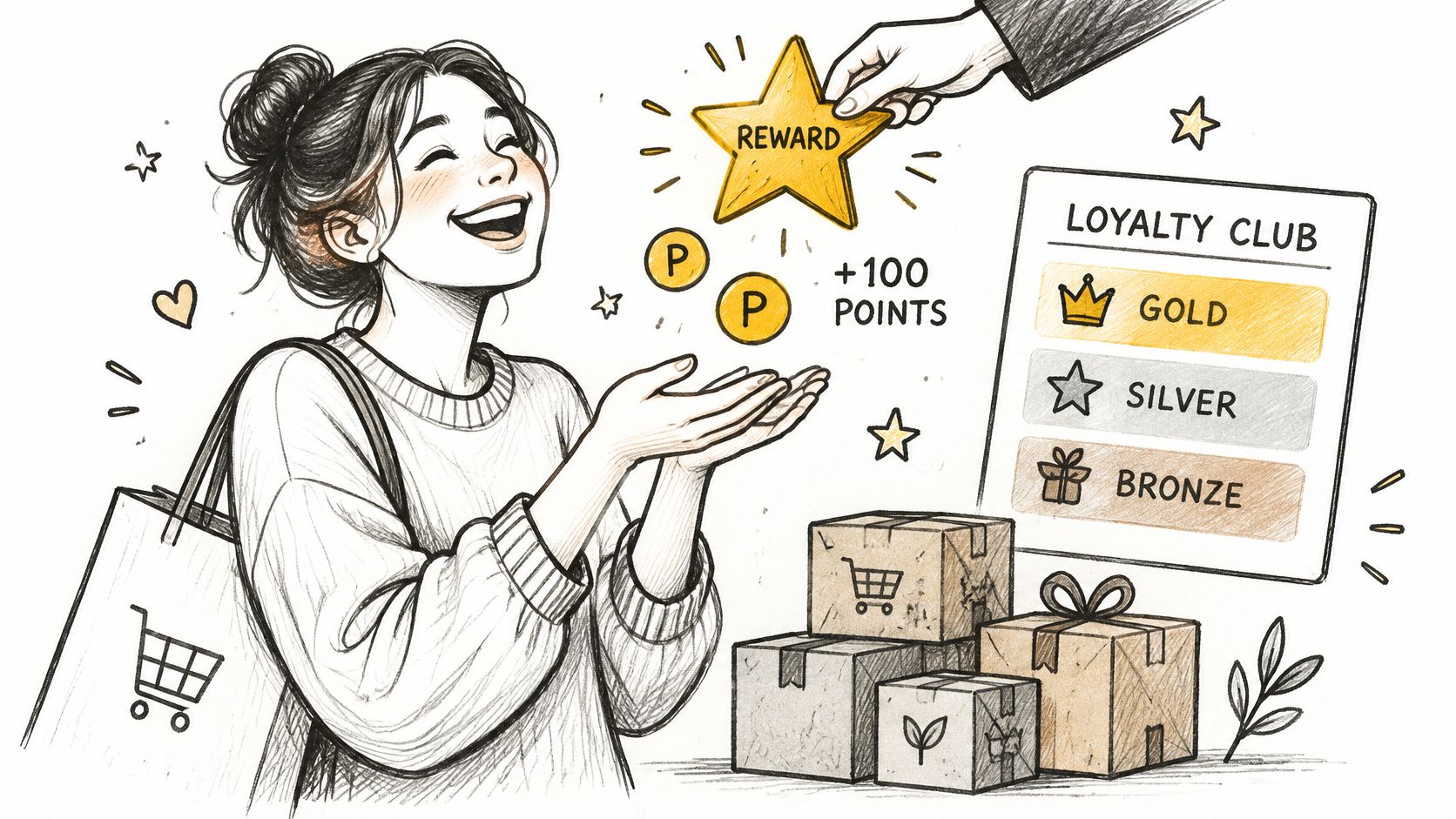
Sephora's Beauty Insider works because the tiers offer benefits customers can name. Nike Membership works by rewarding engagement with early access rather than a flat percentage off. Both create switching costs, which is the actual job of a program.
- Reward non-purchase actions early. A review, a referral, or a completed profile gives a first-time buyer something to earn before their second order.
- Keep the rule to one sentence. If a customer can't explain how to earn and spend points, the program is decoration.
- Expose the balance where customers already are. Points visible in the account area and on the order status page get redeemed; points behind three clicks expire.
- Use loyalty credit as a cancellation alternative. Value kept inside the store as points or credit costs less than a refund plus a new acquisition.
Measure member against non-member repeat rate, redemption rate, and margin after rewards. Membership counts flatter a dashboard without proving anything. For the service side of the program, this guide to supporting online shoppers covers how to handle the requests members generate.
5. Proactive Order Tracking and Delivery Communication
Silence is what turns a routine delivery into a support ticket. Customers don't contact you because a parcel is late. They contact you because they found out it was late before you told them.
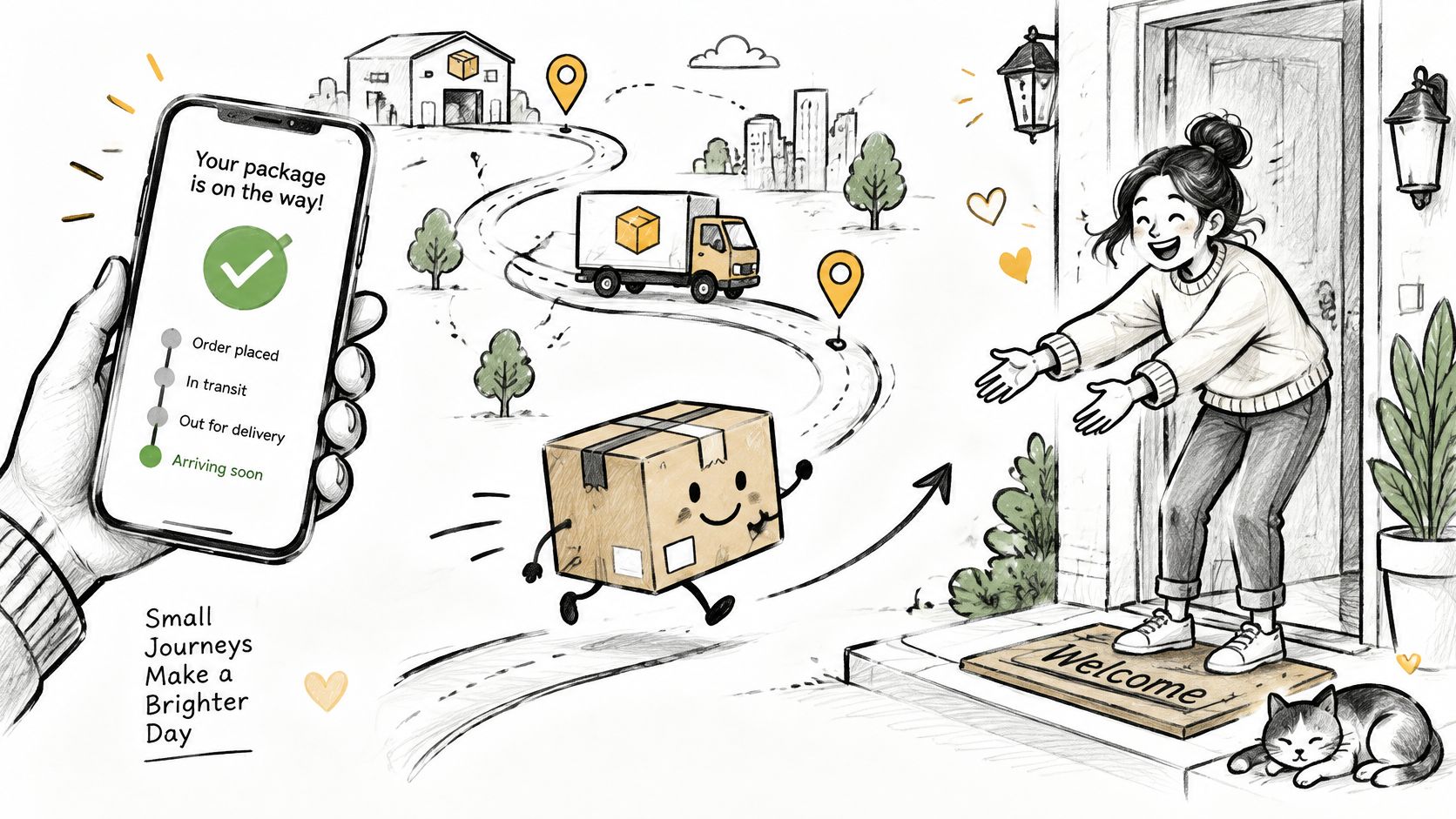
Branded tracking pages and triggered notifications close that gap. The confirmation sets expectations, the dispatch notice delivers the tracking link, and a delay message beats the customer to the question they were about to ask.
The messages that do the work
- Edit confirmation. Send it the moment a change is applied. Customers who can't see proof that the address changed will email to check.
- Window reminder. Show the edit window and its countdown on the order status page, so the customer knows what's still possible and until when.
- Delay notice with a new date. A carrier exception carrying a revised estimate is worth more than three apologies without one.
- Delivery follow-up. One short message after the parcel lands, linking to returns or support, catches problems before they turn into reviews.
Tell customers about a delay before the carrier's tracking page does. The information is the same either way. The difference is whether the message reads as competence or as damage control.
Watch carrier exception rates weekly rather than monthly. When one carrier's on-time performance drops, that's a fulfillment conversation, not a marketing one. Keep every message short, name the order, and link straight to the order status page so the customer never has to log in twice or hunt for a support address.
6. Frictionless Returns and Exchanges
Returns are the largest controllable cost in the post-purchase window, and the place where the loyalty argument is most often misapplied. In 2024, U.S. retailers handled an estimated $890 billion in returned merchandise, while online purchases carried an estimated return rate of 24.5%, roughly one return for every four online orders (BigCommerce returns guide). A poor returns experience pushes shoppers toward a competitor, so every refund that could have stayed an exchange loses the revenue and the repeat visit at once.
Free and effortless isn't automatically the answer. A 2025 analysis of 13.8 million returns across more than 4,000 Shopify merchants found 70% of merchants charged return fees, and reported retention rates varied widely by market, from 21.9% in the UK to 23.9% in the US and 45% in Australia (Loop State of Ecommerce Returns report). Restriction carries its own cost: a shopper who can't find a returns option they trust often abandons the cart entirely. The working middle ground is a policy strict enough to protect margin and easy enough that buying never feels risky.
Where exchange-first earns its keep
- Default to exchange in the portal. The customer picks a replacement size or colour and the order value stays with you.
- Publish eligibility in plain terms. Condition, time window, and who pays the label, stated on the product page rather than buried in a policy footer.
- Keep return history visible to support. The agent handling a ticket should see the original order, the return reason, and the outcome in one view, whatever tool processed the request.
- Track exchange rate against refund rate. That ratio, not total return volume, tells you whether the portal is doing its job.
Zappos built a reputation on generous windows and free returns, and the lesson isn't the generosity itself. It's that customers knew the rules before they bought, so the decision never felt risky. Publish your rules the same way and an exchange stops feeling like a negotiation.
7. Automated Post-Purchase Email Flows
The post-purchase sequence is the only email program every buyer receives, and most stores send three messages that say the same thing. A working flow covers five jobs: confirm, reassure, educate, ask, and reorder.
Timing beats copy. A review request sent on dispatch asks people to rate something they haven't touched yet. The same request three to five days after delivery gets answered.
The five messages worth building
- Dispatch plus usage tips. One email, not three. Link to a short guide that solves the first problem a new buyer hits.
- Delivery plus review request. Day three to five after tracking shows delivered. Ask for one specific thing, such as a photo or a note on fit.
- Cross-sell by category. Someone who bought skincare needs a different recommendation from someone who bought a lamp. Segment on the product, not the order value.
- Replenishment reminder. Timed to the honest consumption rate of the product. A refill prompt sent too early reads as a pushy guess.
- Win-back at 60 to 90 days. One offer, one expiry, then stop. A second and third win-back in the same month trains people to ignore you.
Test subject lines and send times, but don't stack promotional emails on top of a store-credit offer from a cancellation. Two competing incentives in the same week teach the customer to wait for a better one.
Send cap: hold promotional sends to two per week per customer, and let the transactional flow take priority whenever an order is in flight.
8. Subscription and Replenishment Programs
Subscriptions turn a repeat-purchase question into an operational one. Instead of persuading a customer to come back, you're making sure the next delivery arrives without friction. That works well for consumables and badly for everything else.
Chewy's Autoship works because pet food runs out on a schedule and the discount sits on a product the customer was going to buy anyway. Subscription boxes that let customers skip a shipment instead of cancelling do the same job differently: the pause keeps the account open.
The defaults that decide churn
- Skip and pause before cancel. Put them first in the flow. Most churn starts as a timing complaint, not a value complaint.
- Notify before every charge. A reminder three days ahead with a link to change the date removes the surprise that triggers cancellations.
- Retry failed payments. Card expiry is a boring, fixable cause of churn. Retries plus a short reminder recover more than a win-back campaign.
- Start with the products people reorder anyway. Check your last twelve months of repeat orders before building a subscription around a durable good.
The frequency selector is where most programs lose people. Offer three options, default the middle one to the observed reorder interval, and let customers change it in one click from the account area.
Discount-led subscriptions attract deal hunters. If the only reason to subscribe is 10% off, the customer leaves when that discount stops feeling special, so pair the discount with a genuine convenience such as free shipping or first access to new products.
9. Responsive Customer Support and Self-Service Help
Support is the backstop for every tactic above. When editing, cancellation offers, and tracking all fail, a customer talks to a person, and that conversation decides whether they come back.
Self-service isn't a way to dodge that conversation. It's how you keep the easy questions out of the queue so the hard ones get answered in minutes rather than days.
What to publish and what to measure
- Order help articles that name the rules. The edit window, the cancellation policy, how to correct a shipping address, and when a return qualifies.
- Guided flows on the order status page. Let the customer reach the right action in two clicks instead of searching a help centre.
- Agent access to the order timeline. Edit history, cancellation reason, and refund status on one screen. An agent who has to ask a colleague costs the customer ten minutes.
- First-contact resolution and time to resolve. Measure those two rather than ticket volume. Volume falls when self-service works, which is the result you want.
When a delayed order is going to miss its promise, give the agent a credit authority they can use without approval. Resolving it before the customer asks to cancel is cheaper than saving the cancellation afterwards.
Read cancellation reasons and edit logs as a content backlog. If the same reason keeps appearing, the fix is usually a help article, a size chart, or a clearer delivery estimate, and it costs less than the next ticket. The ecommerce customer support guide covers queue design and staffing in more detail.
How the nine ecommerce retention strategies compare
| Strategy | Primary Lever | Best For | Key Trade-Off |
|---|---|---|---|
| Self-Service Post-Purchase Order Editing | Customer-managed order changes | Fixing mistakes while preserving orders and reducing support tickets | Late edits can disrupt fulfillment and require payment reconciliation |
| Cancellation Save Flows with Store Credit Offers | Bonus store credit and cancellation alternatives | Retaining revenue and learning why customers cancel | Credit creates a liability, and offers must not obstruct refunds |
| Post-Purchase Product Recommendations and Upsells | Relevant add-on offers on order pages and during edits | Increasing order value and product discovery | Irrelevant offers can erode trust or complicate fulfillment |
| Loyalty and Rewards Programs | Points, tiers, and redeemable rewards | Encouraging repeat purchases, referrals, and engagement | Program costs can reduce margins, and complex rules may be ignored |
| Proactive Order Tracking and Delivery Communication | Branded tracking and timely notifications | Reducing delivery-related support contacts and building trust | Accuracy depends on carrier data; excessive updates cause fatigue |
| Frictionless Returns and Exchanges | Self-service returns and exchange-first options | Building purchase confidence and retaining sales through exchanges | Reverse logistics add cost and lenient policies can be abused |
| Automated Post-Purchase Email Flows | Triggered, personalized email sequences | Generating reviews, repeat purchases, and win-back sales | Poor timing, weak data, or deliverability issues limit results |
| Subscription and Replenishment Programs | Recurring orders with flexible scheduling | Creating predictable revenue for frequently used products | Limited flexibility or billing failures can increase churn |
| Responsive Customer Support and Self-Service Help | Fast human support and guided self-service | Resolving customer problems while reducing routine support work | Staffing is costly, and poor self-service can frustrate customers |
Building One Retention Routine From Nine Tactics
The nine tactics aren't a menu. They form a sequence, and the sequence is what produces repeat orders.
Editing and cancellation flows protect the order. They act in the hours after checkout, when a mistake is still a configuration change rather than a parcel moving through a network. Self-service edits keep the shipment correct; a cancellation offer keeps the revenue in the store when the customer has already decided to leave.
Recommendations and loyalty grow it. Once the order is safe, the same surfaces carry a second decision: one relevant addition now, points toward something later. Both perform better when they follow an eligible order rather than interrupt a browsing session.
Tracking and support keep it intact. Updates, delay notices, and a support team with order history turn a fulfillment problem into a demonstration of competence. That's the memory a customer carries into the next purchase decision.
Start by auditing the last 90 days of support tickets and cancellation requests, and sort them into three buckets: address or variant mistakes, delivery questions, and change of mind. The first two are preventable in software. The third needs an offer.
Set a baseline before you change anything. Benchmark repeat-purchase rate against your own category rather than a universal number, then track time to second order by cohort, saved cancellations, and exchange rate against refund rate. Those four numbers tell you whether the post-purchase window is leaking.
A sensible first month looks like this: turn on self-service editing with a window that closes before your fulfillment cut-off, put a store-credit offer behind the cancellation button with a short reason list, and send an edit confirmation email so customers see the change land. Review the numbers at 30 days and adjust the window and the bonus rather than adding new tactics.
If you'd rather not stitch these together from three apps, Mayra ‑ Order Edit & Cancel puts self-serve editing, cancellation deflection with store credit, and post-purchase recommendations in one Shopify application, with editing windows, approval thresholds, and refund handling configured by you. The results those settings produce are yours to own and review.
Mayra ‑ Order Edit & Cancel gives Shopify merchants the post-purchase controls this article describes: customers edit their own orders inside the window you set, cancellation requests capture a reason before an offer appears, and relevant products can be added to the same order rather than a new one. Every change writes to the native Shopify order timeline, and you decide the editing periods, approval thresholds, and refund handling. Visit Mayra ‑ Order Edit & Cancel to see how it fits the way your store already handles orders.